



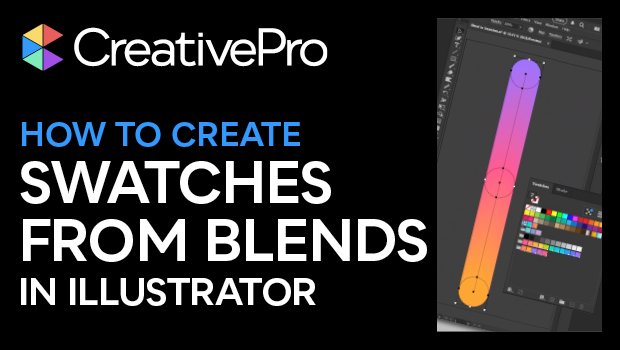
In this quick video, Kat Kremser shows you how to create coordinated swatch groups using the blend tool in Adobe Illustrator and how to save the resulting swatch sets to your Creative Cloud library for use across all Adobe apps.
Subscribe to the CreativePro YouTube channel for more helpful design tips!
This article was last modified on August 29, 2025
This article was first published on July 3, 2025
Commenting is easier and faster when you're logged in!

Recommended for you
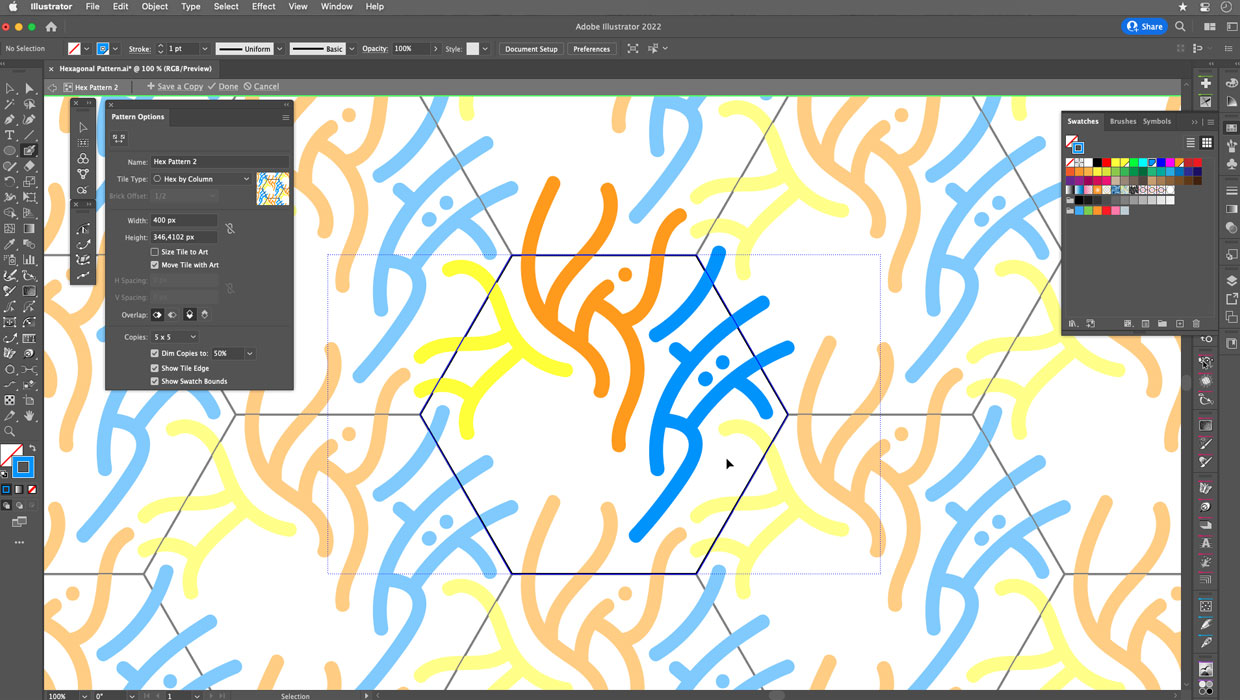
Creating Hexagonal Patterns and Pattern Brushes in Illustrator
Use these advanced techniques to put hexagonal patterns and pattern brushes to w...
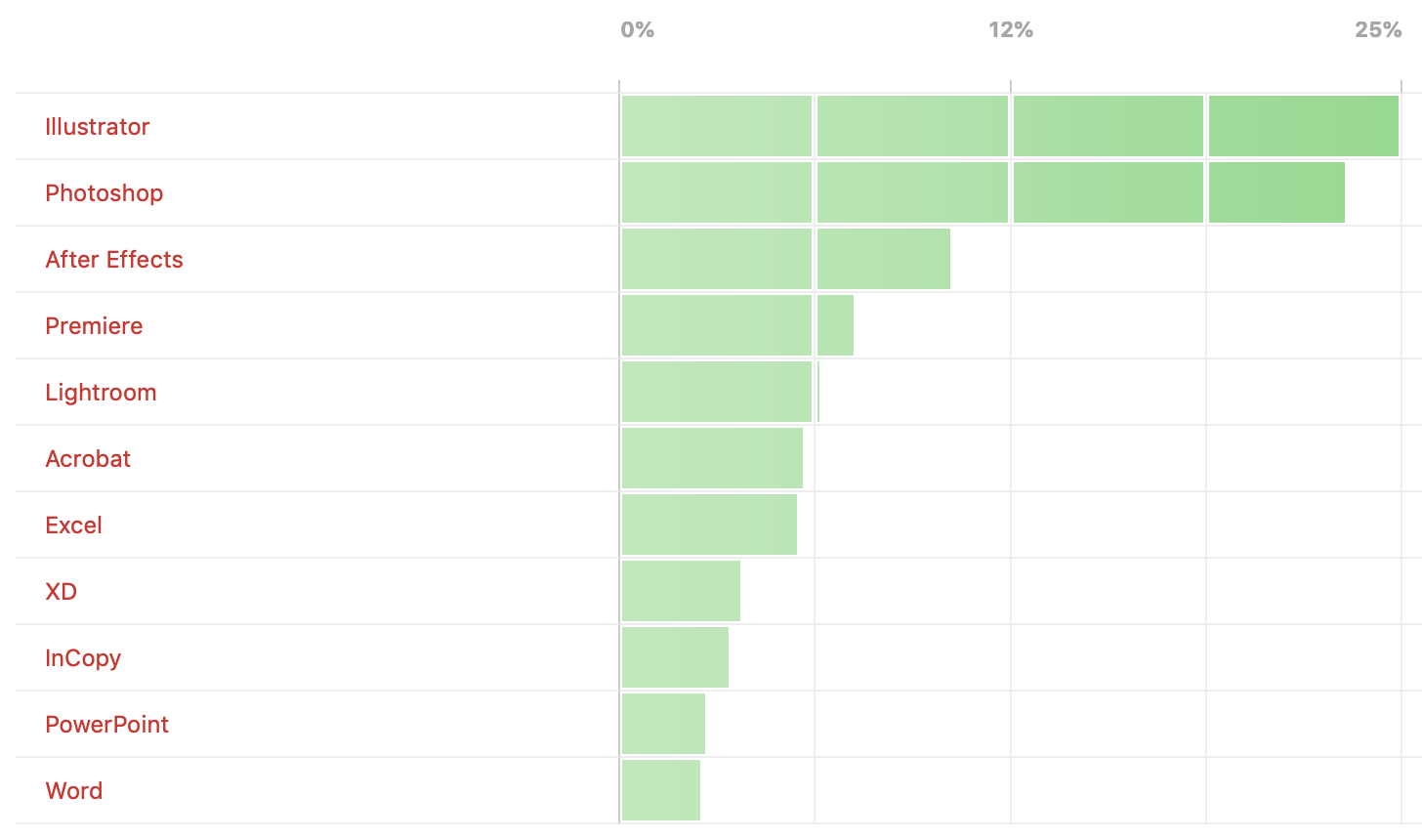
Poll Results: Which programs do you wish you knew better?
The results of our poll asking if you still use Flash (SWF) and a new poll on wh...

CreativePro Video: Sizing Outlined Text in Illustrator
In this week’s CreativePro video, Von Glitschka shares how to size outlined text...