



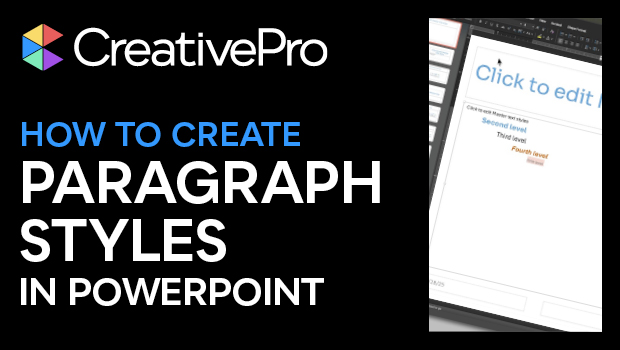
In this PowerPoint how-to video, Amanda Dalton shows us how to harness the power of the Slide Master to create paragraph styles. Whether you’re on a Mac or a PC, this guide will have you styling your slides in no time.
Subscribe to the CreativePro YouTube channel for more helpful design tips!
This article was last modified on October 30, 2025
This article was first published on August 15, 2025
Commenting is easier and faster when you're logged in!

Recommended for you

PowerPoint How-To: Create a Squiggle Effect
See how to quickly animate a squiggle within your PowerPoint presentation

Super Simple Slide Design: A CreativePro Event Sneak Peek
Learn several easy to implement techniques for punching up the visual interest i...
Ten Great Scripts for Illustrator
Enhance your Illustrator workflow with these automation goodies