
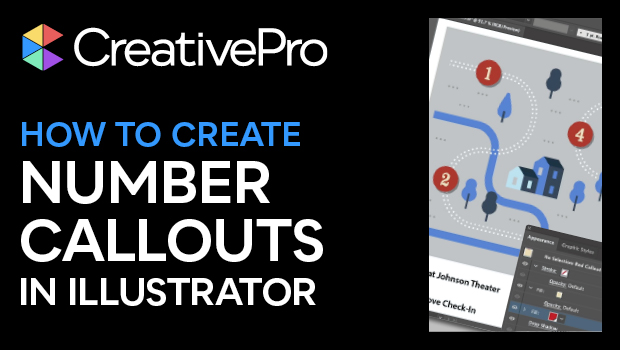
In this CreativePro Week sneak peek video, Laura Coyle shows how easy it is to create number callouts in Illustrator. By using multiple fills—accessed via the Appearance panel—she is able to create shapes and multiple fill colors all as part of each number’s text attributes. She then creates a graphic style to easily apply these attributes to all the other numbers.
This sneak peek video is a preview of Laura’s session at our upcoming CreativePro Week in Washington, D.C. and online July 8–12, 2024. See the agenda and register now!
Subscribe to the CreativePro YouTube channel for more helpful design tips!
This article was last modified on August 29, 2025
This article was first published on May 29, 2024
Commenting is easier and faster when you're logged in!

Recommended for you

Making a 3D Rainbow in Illustrator
Explore the amazing things you can do with Illustrator’s 3D and Materials panel

The Digital Art Studio: 5 Favorite Illustrator CC Features
If you’ve ever experienced a power outage, you’ve also likely found yourself ref...