


How to Create Focus with Animation in PowerPoint
Learn how to create focus on a topic or bullet point by creating simple fade-in animation in PowerPoint.

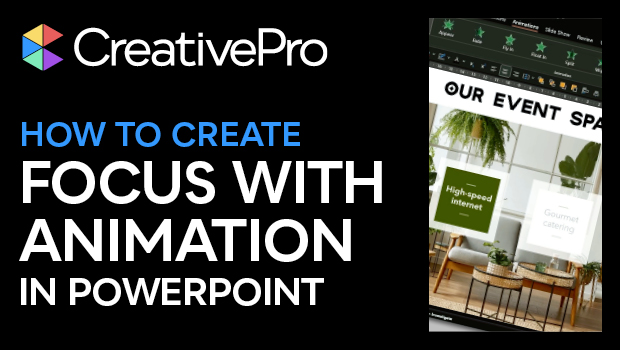
In this PowerPoint how-to video, Ingrid Mengdehl shows how to create focus on a topic or bullet point by creating simple fade-in animation. In addition to fading in specific information, she adds an overlay to bring the other info out of focus. The animation used doesn’t detract from the main purpose of the example value proposition slide, but simply draws the viewer’s eye where you want.
This video is an excerpt from Ingrid’s session at our Design + PowerPoint Summit 2023. Check out this and all of our events on our events page.
Subscribe to the CreativePro YouTube channel for more helpful design tips!
This article was last modified on August 29, 2025
This article was first published on June 27, 2024
Commenting is easier and faster when you're logged in!

Recommended for you

Learning After Effects
How to create attention-grabbing content with After Effects and InDesign
How to Make Accessible Tables
Make tabular data accessible using InDesign, Word, PowerPoint, or Excel

Human vs. AI Slide Design
Blend AI's speed with human insight in your presentations with Jody Wissing.