



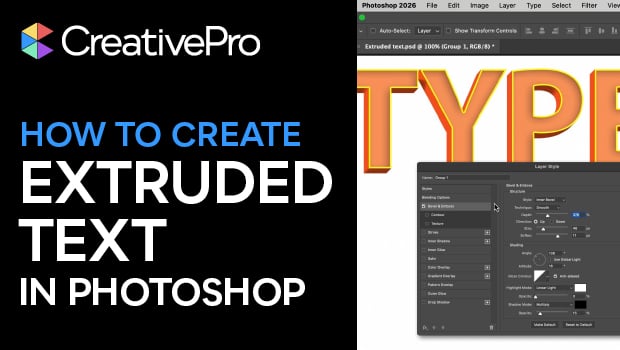
In this Photoshop how-to video, Steve Caplin demonstrates how to create 3D letter effects with an extruded look. Using Smart Objects, Strokes, and Shadows, Steve creates the effect. Then he shows how to edit the text, changing the font and color, and even adding shapes.
Subscribe to the CreativePro YouTube channel for more helpful design tips!
This article was last modified on March 27, 2026
This article was first published on March 27, 2026
Commenting is easier and faster when you're logged in!

Recommended for you

Tip of the Week: Get a Better Look at FX
This tip was sent to Tip of the Week email subscribers on October 22, 2015. Sign...

Pushing the Panic Button (Effect)
This is one post that's sure to push your buttons. Or to get you pushing some of...

InDesign FX: Captain Marvel’s Star
So like a few bajillion other folks, I saw Captain Marvel recently. Fun movie, e...