



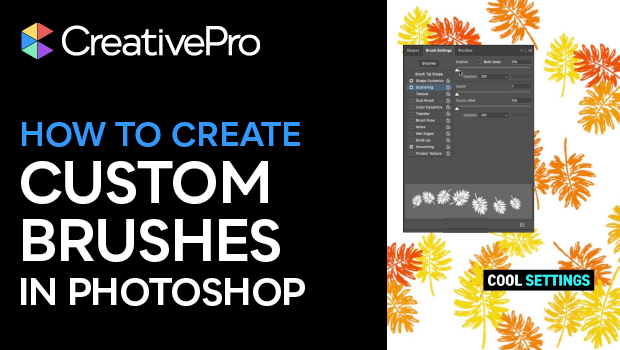
In this short video, Khara Plicanic shows how to expand your Photoshop toolbox by creating custom brushes from virtually anything. Whether you start with a photo, a shape, or hand-drawn image, just isolate the item, tweak the settings, and you’re ready to brush away!
Subscribe to the CreativePro YouTube channel for more helpful design tips!
This article was last modified on October 16, 2025
This article was first published on October 17, 2025
Commenting is easier and faster when you're logged in!

Recommended for you
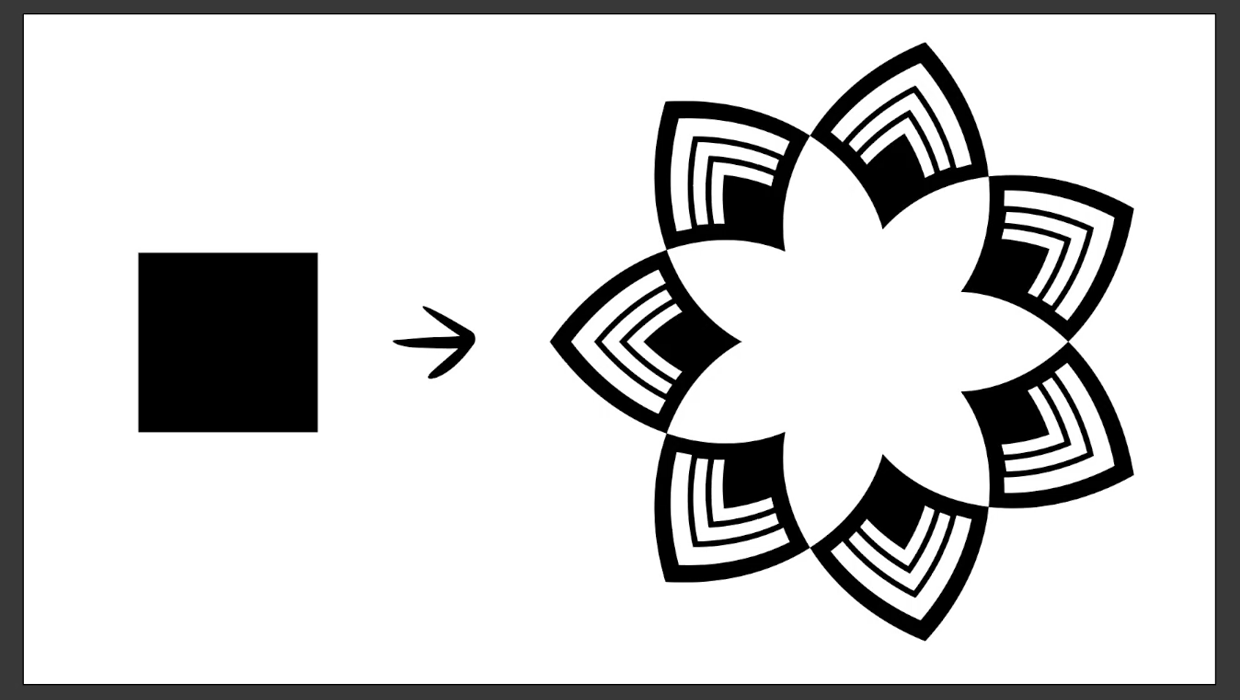
Create a Reusable Art Deco Pattern Brush in Adobe Illustrator
One of Illustrator’s greatest strengths is the ability to easily make reusable d...

How to Improve Custom Brushes in Illustrator
Learn how to manipulate custom brushes in Illustrator, including fixing the odd...

Using Illustrator’s Paintbrush Tool
Go beyond simple paths and transform your artwork with this powerful tool