




In this Photoshop how-to video, Khara Plicanic shows how easy it is to make drop shadows in Photoshop. She looks at the different settings, how to assign to individual or multiple layers, and how to apply the same settings over and over again.
Subscribe to the CreativePro YouTube channel for more helpful design tips!
This article was last modified on August 29, 2025
This article was first published on August 7, 2024
Commenting is easier and faster when you're logged in!

Recommended for you

How to Use Layers to Speed Up Your Workflow in InDesign
Learn how to use the Layers panel in InDesign to speed up your workflow, from ma...
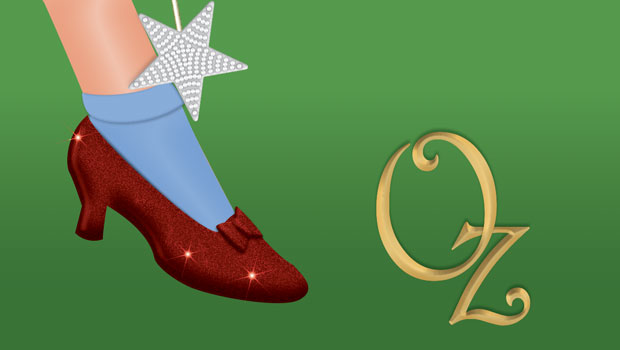
Wizard of Oz FX: Ruby Slippers
Are you ready to make some ruby slippers like Dorothy's from the Wizard of Oz? J...

License Plate FX
Learn how to build a cool custom license plate with InDesign FX and pick up some...