



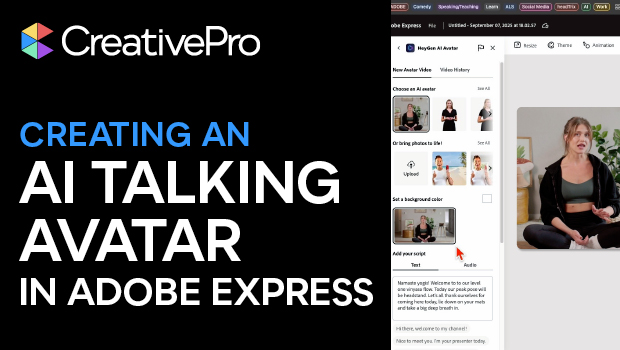
In this AI how-to video, Mark Itskowitch shares a way to take a static image and bring it to life as a talking avatar in video form. Mark uses the tool “HeyGen,” an add-on incorporated into Adobe Express. With HeyGen, you can select your avatar or upload your own, give it a script, and choose a voice all in your web browser.
This video is a sneak peek of Mark’s upcoming Design + AI Summit 2025 session, Bring Photos to Life with AI. To learn more about this event and see the full agenda, click here.
Subscribe to the CreativePro YouTube channel for more helpful design tips!
This article was last modified on September 18, 2025
This article was first published on September 18, 2025
Commenting is easier and faster when you're logged in!

Recommended for you

Illustrator’s Other Drawing Modes
If you use Photoshop, Illustrator, or InDesign, you ought to be familiar with bo...

SmileOnMyMac Releases PDFpen 3.0, with New Text Editing Features
SmileOnMyMac has released PDFpen 3.0, the latest version of its popular and affo...

Extensis and Monotype Form Strategic Partnership
Press Release Portland, Ore. June 26, 2018?Extensis® and Monotype Imaging Holdi...