



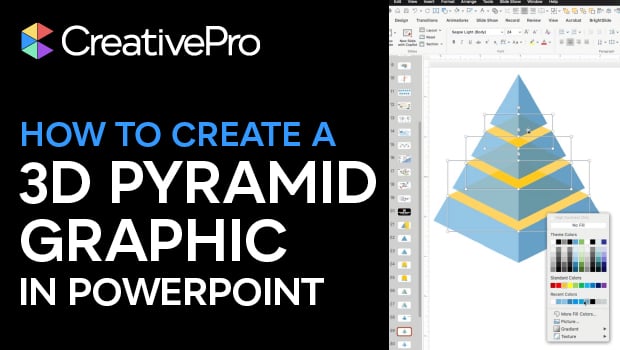
In this PowerPoint how-to video, Mike Parkinson demonstrates how to build a professional-looking 3D graphic using only native PowerPoint tools. Starting from a blank slide, he shows how to use shapes, the Merge Shape options, and careful alignment to construct a multi-level 3D pyramid. Along the way, Mike shares practical tips for working with vector shapes in PowerPoint—no Illustrator required
Download Mike’s PowerPoint file here.
Subscribe to the CreativePro YouTube channel for more helpful design tips!
This article was last modified on February 23, 2026
This article was first published on December 23, 2025
Commenting is easier and faster when you're logged in!

Recommended for you

Designing a Better Deck: Interview with Nolan Haims
Nolan Haims is on a mission to stop boring presentation designs. You know the ty...

CreativePro Video: Using Images with Copy Space for Presentations
See how to find and use images with extra space for copy to kick your presentati...
How to Put Bullet Items Into Motion in PowerPoint
Find out how to take a boring bulleted list in your presentation and make it mov...