



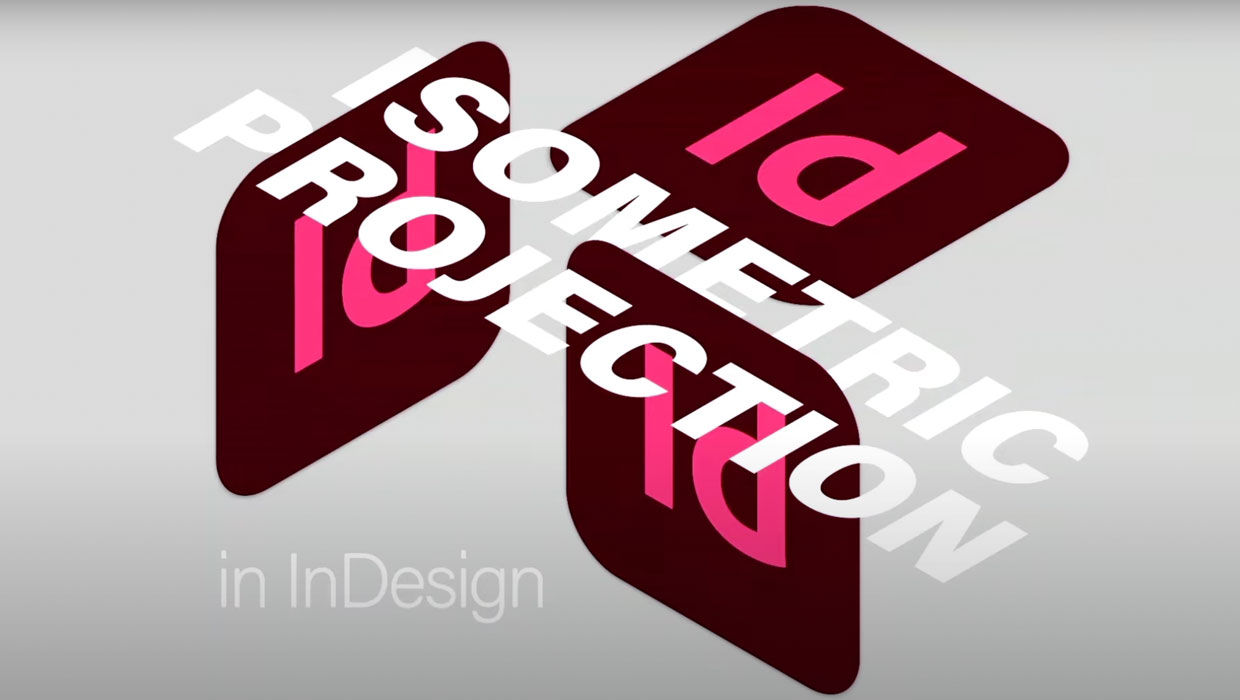
In this Three Minutes Max video, Keith Gilbert shows how—with the right formula—you can take your 2-D illustrations and make them look 3-D. Whether you’re working with technical drawings or mocking up packaging, this simple technique brings added dimension to your design. And any text is still completely editable! The script Keith mentions can be found here: https://gilbertconsulting.com/scripts
Three Minutes Max comes from a fun—yet very competitive—session at our annual CreativePro Week conference. Speakers have three minutes (max!) to wow the audience with the tip and win a prize for a lucky conference attendee. To find out how to attend this incredible, information-packed week, check out https://CreativeProWeek.com.
This article was last modified on August 29, 2025
This article was first published on July 1, 2022
Commenting is easier and faster when you're logged in!

Recommended for you
Project Neo: A New Dimension in 3D
Adobe's new web-based 3D app will help you give your vision shape.
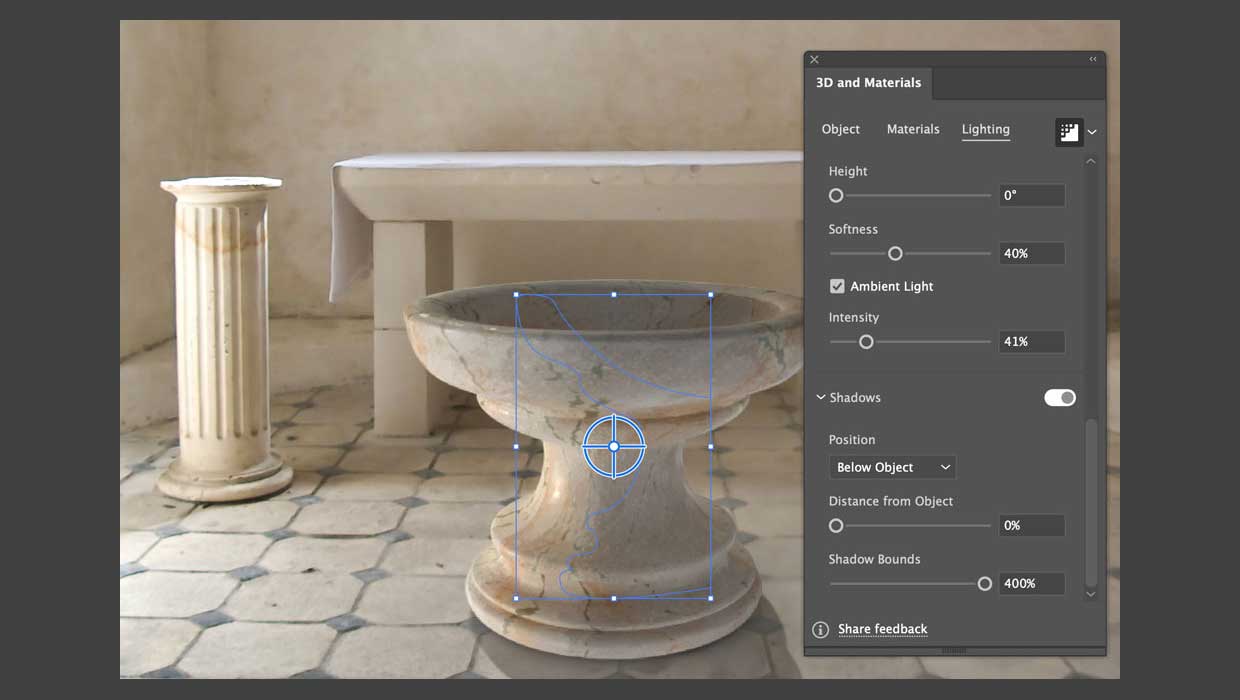
How to Build a 3D Object in Illustrator
Learn how to apply materials and lighting to a simple vector drawing to make a r...

Easy 3D with Photoshop and Adobe Dimension: Part 2
In Part 1, we looked at how easy it is to create 3D text by making a minimal mod...