




In this Acrobat how-to video, Mike Rankin walks us through how to use the Output Preview panel in the new Acrobat experience. This panel allows you to simulate what your PDF’s colors will look like when printed. Mike reviews the numerous panel options, including CMYK, RGB, and spot colors, as well as total area coverage for ink limits.
Subscribe to the CreativePro YouTube channel for more helpful design tips!
This article was last modified on September 16, 2025
This article was first published on September 16, 2025
Commenting is easier and faster when you're logged in!

Recommended for you
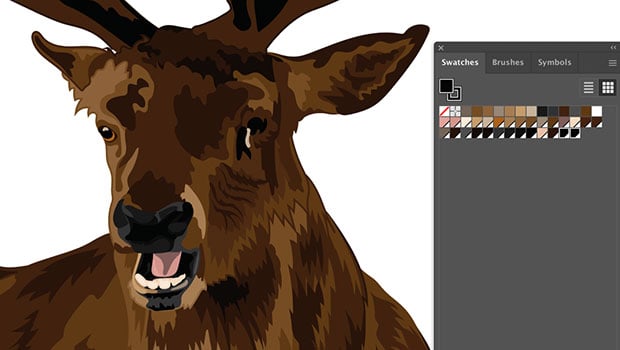
How to Reduce Ink Density in Illustrator Files
Learn how to detect and solve potential problems with ink limits in vector art.

Using RGB Images in InDesign, from Photoshop to Final PDF
A step by step guide to entering the twenty-first century by using a RGB workflo...

How to Create and Swap Colors the Smart Way in InDesign
Learn how to easily create colors from scratch in InDesign and to swap out exist...