



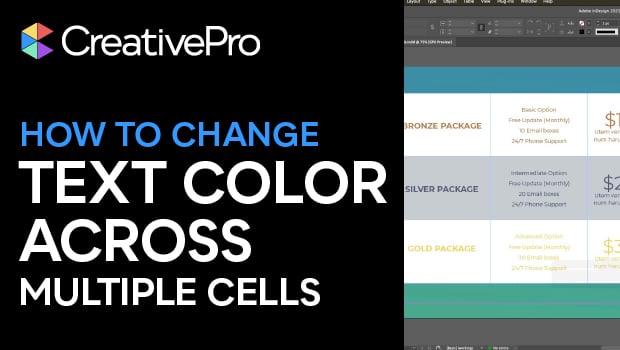
In this InDesign how-to video, Myra Ferguson shows how to simultaneously change the color of the text in multiple cells of a table. First, Myra demonstrates a common mistake, where using the Type tool results in the cell color changing instead of the text color. Then, she reveals the “Formatting Affects Text” button, which will get you the text color you’re looking for.
Subscribe to the CreativePro YouTube channel for more helpful design tips!
This article was last modified on December 30, 2025
This article was first published on December 30, 2025
Commenting is easier and faster when you're logged in!

Recommended for you

InDesign Downloadable: Print-to-Ebook Package
Use these vector patterns, swatches, and symbols to add a dreamlike whimsy to yo...

Illustrator Downloadable: Fall Foliage Pattern Set and Palette
Use this Illustrator downloadable to create awesome autumnal graphics.
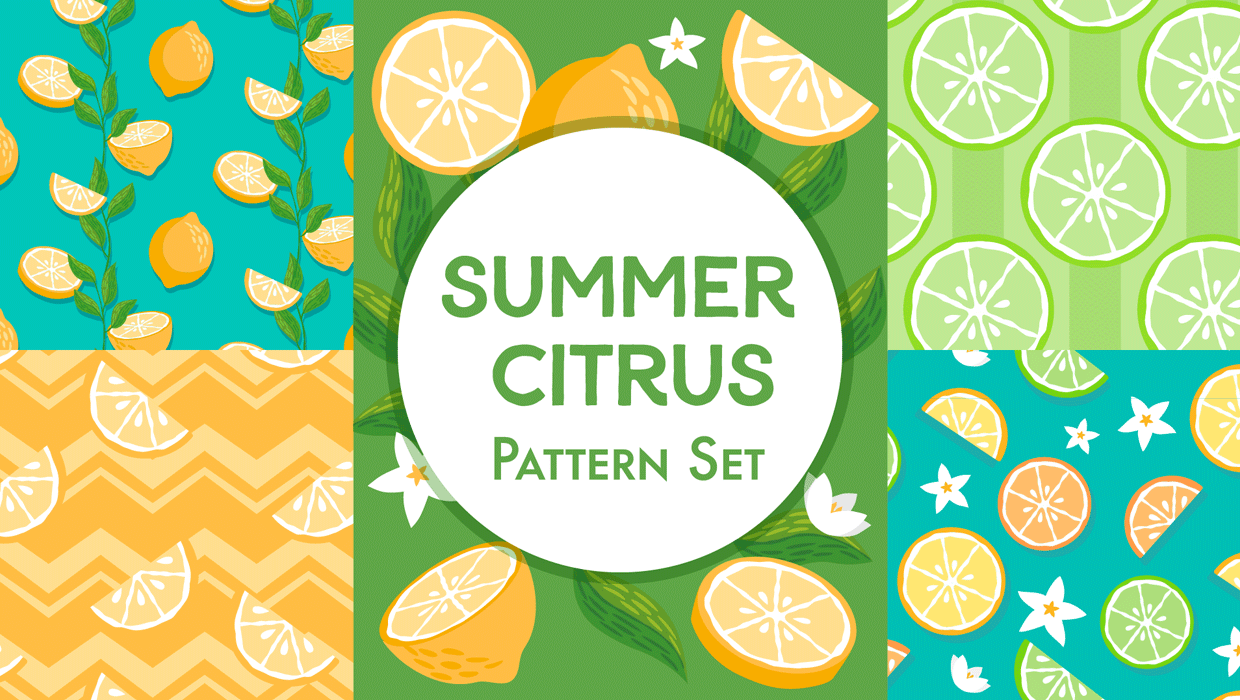
Illustrator Downloadable: Summer Citrus Pattern Set
Add some zing and zest to your next design with these tasty patterns, symbols, a...