



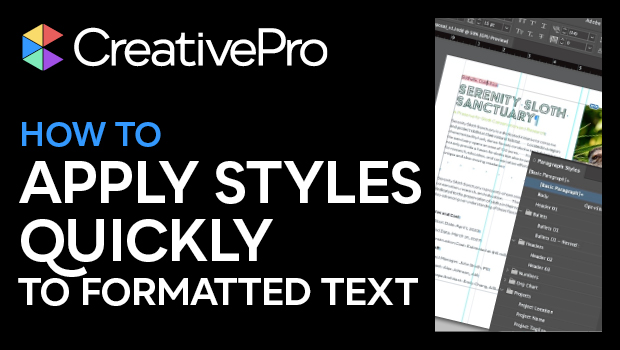
In this InDesign how-to video, Julie Shaffer shows how to take text with existing formatting—either from previous use in InDesign or from a Word Import—and assign current styles to it. She shows that by looking at the formatting that is unique to selected text, you can use Find/Change to find text with that formatting, apply your desired styles, and even save queries to easily repeat the search operation.
This video is an excerpt from Julie’s “Essential Prep and Cleanup Techniques” session at our InDesign + Long Documents Summit. Check out this and all of our events on our events page.
Subscribe to the CreativePro YouTube channel for more helpful design tips!
This article was last modified on August 29, 2025
This article was first published on May 31, 2024
Commenting is easier and faster when you're logged in!

Recommended for you

Editor’s Picks for The InDesign Conference 2025
Our Editor in Chief lists his must-see sessions for the InDesign Conference 2025...

How to Fix InDesign Text Issues Highlighted in Blue
Why is your InDesign text blue? Myra Ferguson explains what's going on — and wha...
How to Style Text with AI for Use in InDesign
Have ChatGPT handle your Word document text formatting so you can focus on desig...