



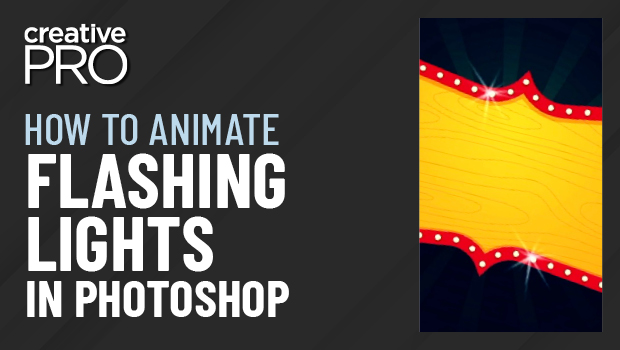
In this Three Minutes Max video, Khara Plicanic shows off a really quick way to make animated flashing lights in Photoshop. By duplicating layers and making slight adjustments to each, she turns each layer into a frame, creating the animation that can be exported to a video format.
Three Minutes Max comes from a fun—yet very competitive—session at our annual CreativePro Week conference. Speakers have three minutes (max!) to wow the audience with the tip and win a prize for a lucky conference attendee.
This article was last modified on August 29, 2025
This article was first published on August 4, 2022
Commenting is easier and faster when you're logged in!

Recommended for you

InDesign Basics: Your First Animation
Back in InDesign CS5, Adobe added a very cool Animation panel to InDesign that a...

InDesign Magazine Issue 79: Tablet App Solutions
We’re happy to announce that InDesign Magazine Issue 79 (November, 2015) is...
Create an Animated Looping Logo in Premiere
This looping animated logo tutorial from Myra Ferguson is perfect for Premiere b...