



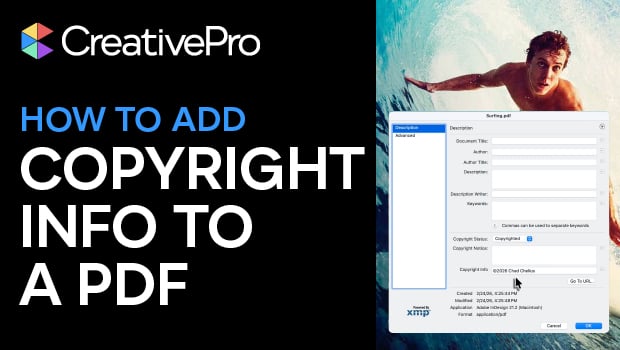
In this Acrobat how-to video, Chad Chelius demonstrates how to embed copyright information into your PDF metadata. He explains how to navigate the Document Properties panel and why it’s important to fill out the metadata fields. Finally, Chad shows where to find the copyright status and notice fields, so that you can make sure your intellectual property is properly documented.
Subscribe to the CreativePro YouTube channel for more helpful design tips!
This article was last modified on April 21, 2026
This article was first published on April 21, 2026
Commenting is easier and faster when you're logged in!

Recommended for you


The Designer’s Guide to AI and Copyright
AI is the new normal, but do you know the laws to keep you and your work protect...