



One of the things I love about my job is that when I need inspiration for something to write about all I have to do is look around. I love picking up any handy book or magazine and flipping through it to find interesting design work to deconstruct.
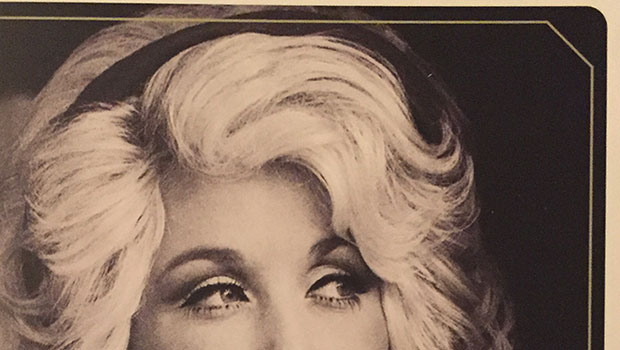
Recently I did this with a book called Dolly Parton, Songteller. To my eyes, the book is full of beautiful design work, including a fun approach to mixing and matching strokes and corner options.
So we get images that combine rounded and beveled corners…

Rounded and inverse rounded…
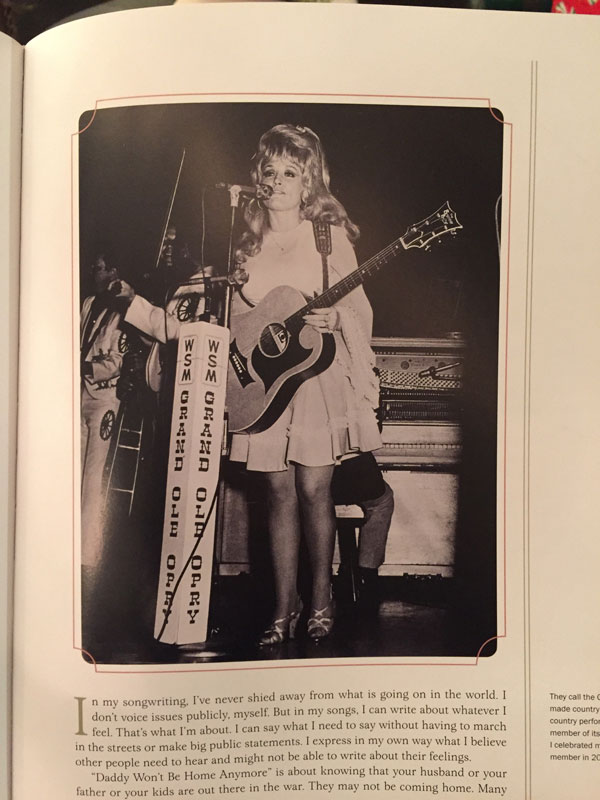
And even more complex combinations…
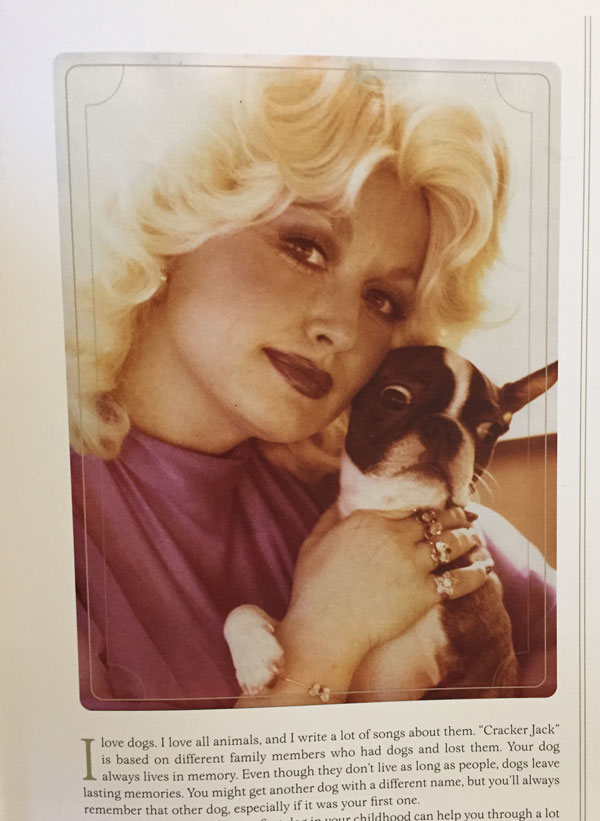
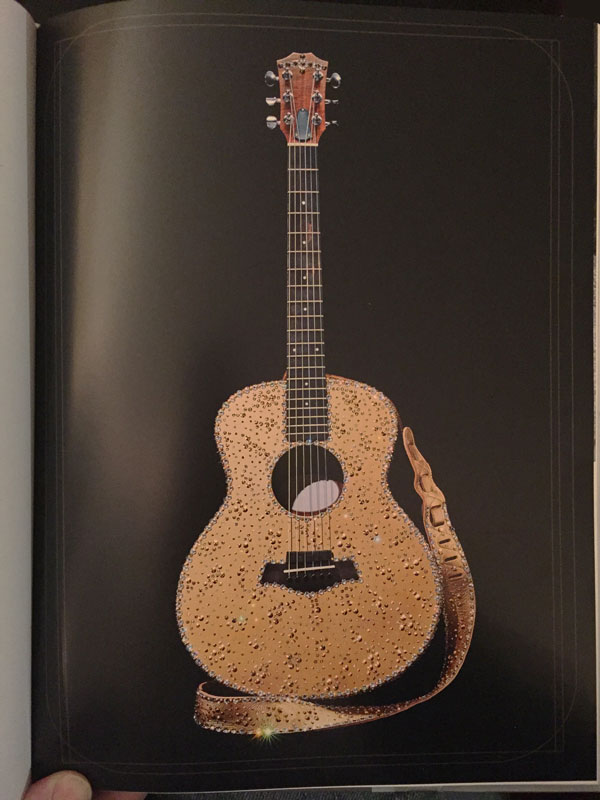
This aesthetic is taken even further on the pages of song lyrics.

It’s always been a bummer that InDesign has such a small number of corner options to choose from, and they can’t be modified. But the simple act of combining them opens up lots of fresh possibilities. Add some rotation, skew, scaling, etc and the sky’s the limit.
To get you started, I’ve made an IDML file that you can open with InDesign CS4 and later. It contains a few stroke-corner mashups to use as is or as the starting point for further exploration. Sorry, this content is only available to free or paid members. Sign up or [thrive_2step id=’124086′]sign in[/thrive_2step] now

Enjoy!
Links on this page to Amazon include our affiliate code, which helps support CreativePro.com.
This article was last modified on January 21, 2021
This article was first published on January 12, 2021
Commenting is easier and faster when you're logged in!

Recommended for you

Create Flashing Holiday Lights in InDesign
Learn how to make lights flash on and off, with the help of a transparency effec...

Create a Flat-bottomed Stroke
Our guru of strokes reveals another trick: How to create a stroke that has round...

Perfect Strokes on Outlined Text in InDesign
How to overcome the problem of misaligned strokes on outlined text in InDesign.