



It’s time for another great free video from Lynda.com. This time it’s one from David Blatner’s course, InDesign: Color.

Here’s the course description:
Color is an essential part of design; knowing how to get exactly the color you want is a key skill for any designer. This course is your inside scoop on choosing, applying, and managing color, for print and for screen, with Adobe InDesign. Insider David Blatner provides everything designers need to know about using color in InDesign, from understanding the basic terminology to converting colors to creating and mixing your own swatches. Plus, learn how to explore more creative color possibilities using Adobe Color and InDesign’s own built-in tools.
Topics include:
- RGB vs. CMYK
- Spot colors vs. process colors
- Applying colors
- Converting spot colors
- Creating swatches
- Exploring color with the Color Picker, Color Theme tool, and Adobe Color
In the free video below, David gives a fascinating introduction to the basics of how color works onscreen and in print. Check it out!
RGB, CMYK, other recipe ingredients
For Lynda.com members, if you are currently signed in to your account, you can also check out these videos from the series.
Not a Lynda.com member?
Get 10 days of free unlimited access to Lynda.com.
Swatches are color styles
Can you trust the colors you see in InDesign?
Converting spot colors
This article was last modified on July 25, 2019
This article was first published on June 23, 2017
Commenting is easier and faster when you're logged in!

Recommended for you
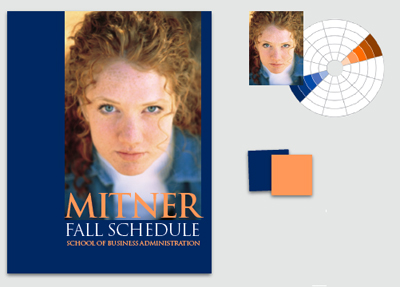
Design How-To: Solve Color Dilemmas
Choosing colors doesn’t have to be a guessing game. In this article from B...

InDesign How-to Video: Create a Duotone Effect
In this week’s InDesignSecrets video, Mike Rankin shows off a great technique to...

Q&A with Steve Laskevitch: Rocket Scientist, InDesign Guru, Pizza Snob
Q&A with Steve Laskevitch, who is presenting at The InDesign Conference 2025