




What’s the longest InDesign document you’ve ever worked with? And I don’t mean the length of the output, I mean the actual InDesign file. 50, 100, 200 pages? More?
Wouldn’t it be nice if InDesign had a feature that let you instantly jump to any locations you wanted in that long document? It would save you a lot of squinting at the Pages panel, and a lot of scrolling through the document window to find the right spots you needed to edit.
And in fact, InDesign does have a feature for this job, but it might surprise you. It’s the Bookmarks panel. And in the video below from the InDesignSecrets series at Lynda.com, David Blatner shows how to turn a tool for interactive PDFs into a file navigation tool for any long document. Check it out!
Navigating Through Pages with Bookmarks
For Lynda.com members, if you are currently signed in to your account, you can also check out these videos from the series.
Not a Lynda.com member?
Get 10 days of free unlimited access to Lynda.com.
Creating a Keyboard Shortcut for the [None] Character Style
Permanently Disabling Hyphenation
Adding Prefixes to Page Numbers
This article was last modified on March 5, 2025
This article was first published on October 2, 2015
Commenting is easier and faster when you're logged in!

Recommended for you

Text Anchors
It's not possible in InDesign to get an overview of what a document's text ancho...
Set Quickmark
Leave a bookmark at the cursor position, go somewhere else in your document, and...
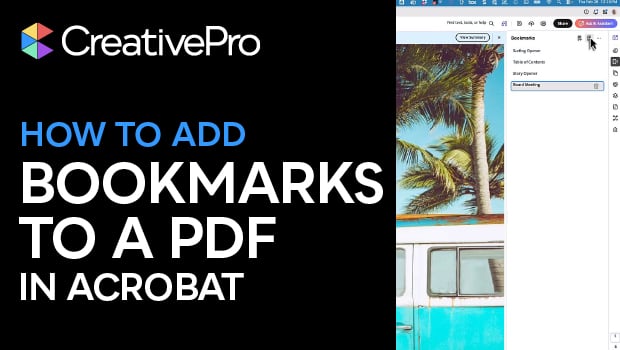
Create PDF Bookmarks in Acrobat for Easier Navigation
Navigate your PDF files with ease using bookmarks!