



There aren’t very many features in Microsoft Word that would make InDesign users jealous, but the ability to quickly and easily put a box around a paragraph is one. But in his latest video from the InDesignSecrets series at lynda.com, David Blatner shows you two simple methods to box a paragraph, so you needn’t be quite so jealous.
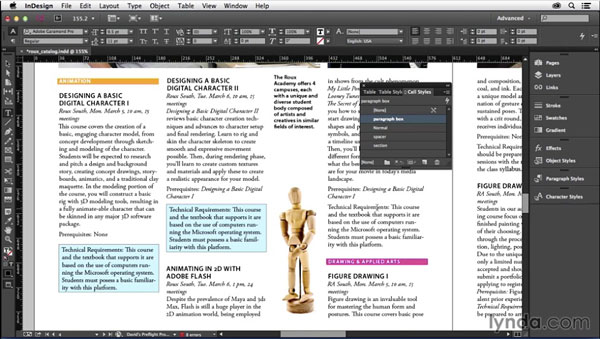
And after you check out the video, head over to CreativePro.com, where you can read my article Five Ways to Box a Paragraph in InDesign.
Then Word users can go back to being jealous of you! As is proper.
This article was last modified on March 5, 2025
This article was first published on April 24, 2015
Commenting is easier and faster when you're logged in!

Recommended for you

CreativePro Video: Glyphs and Text Alternates
In this week’s CreativePro video, Nigel French explains how text alternates can...

InDesign How-to Video: How to Set Up Facing Pages
David Blatner explains what facing pages are and when you might want to use them...

CreativePro Video: Adding Rounded Ends to Ring Charts
In this week’s video, Chad Chelius follows up on his previous video, and shows h...