



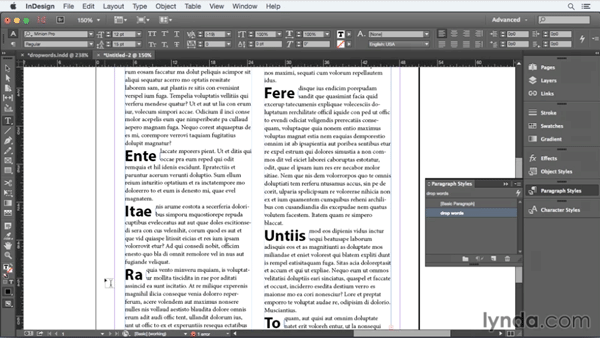
We’ve all heard of drop caps, but have you ever heard of a drop word? Well, you have if you’ve read this post, in which David Blatner details his method for making entire words (of any length) take on the position and formatting of drop caps.

There isn’t a single feature in InDesign to accomplish this trick, but that’s no obstacle to David. He gets the job done with a combination of styles and text wrap. And in the latest free video from the InDesignSecrets series at lynda.com, you can see the magic of creating drop words.
This article was last modified on March 5, 2025
This article was first published on August 7, 2015
Commenting is easier and faster when you're logged in!

Recommended for you

InDesign How-to Video: Reset a Tint to 100%
In this week’s InDesignSecrets video, Mike Rankin explains how to reset an InDes...
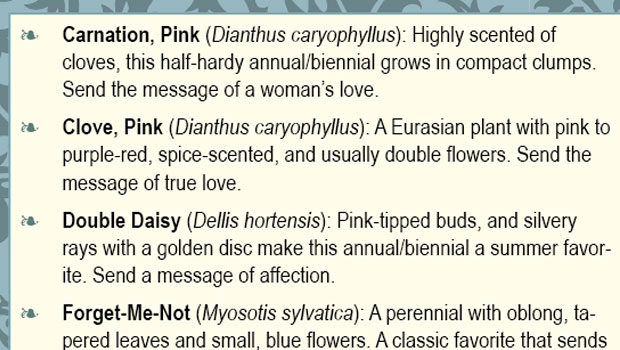
Rekindle Your Love of Typesetting with Nested Styles
Renée Dustman walks you through using nested styles for automating repetitive ty...
InDesign How-to Video: How to Fix Broken Text Styles
In this week’s InDesignSecrets video, Chad Chelius explains why some InDesign st...