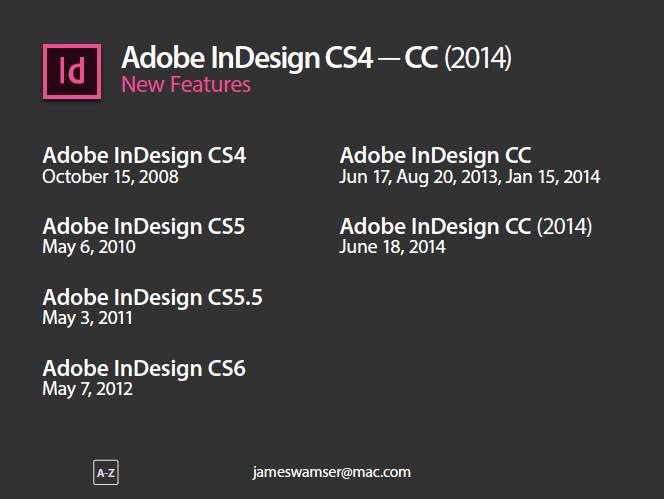
If you ever have to juggle different projects using different versions of InDesign, it sure would be handy to have one guide showing which features were new with each version. Happily, such a guide exists and you can download it for free.
Created by Adobe Certified Instructor/Milwaukee IDUG Chapter Rep/all-around swell guy James Wamser, this 43-page PDF gives you complete lists and descriptions of which features appeared in InDesign CS4 through CC 2014.
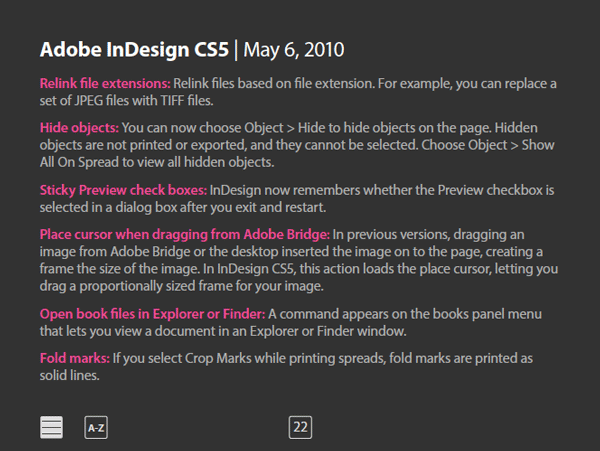
There’s even an index with links to each feature so you can find the information you need quickly.
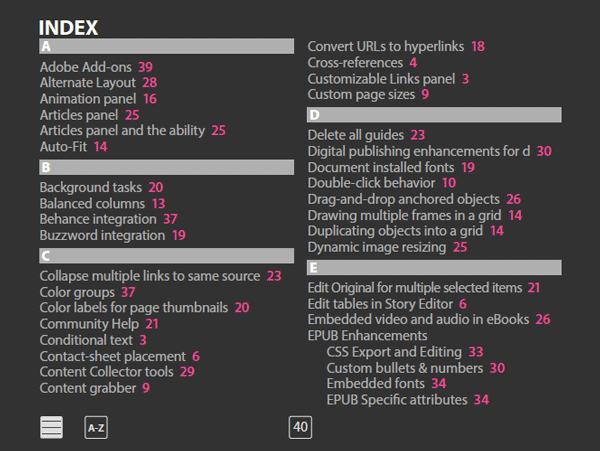
Great stuff, and guaranteed to help you win any InDesign trivia contest and achieve Alpha Geek status.
This article was last modified on July 25, 2019
This article was first published on July 29, 2014
Commenting is easier and faster when you're logged in!

Recommended for you
Duplicate Formatting with These PowerPoint Tools
Use the Format or Animation Painters to apply styles with a single click!

Filtered File > Open Dialog Box
Here's a way to filter file types in your Open File dialog box.