



Return to page 1.
Click each image to download its brushes, or to be taken to the page that contains the download link.
People
Silhouette Pack 1 (15 Brushes):
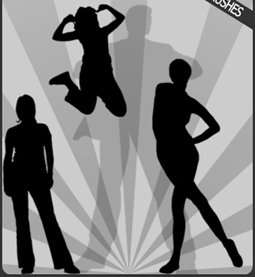
Silhouette Pack 2 (10 Brushes):
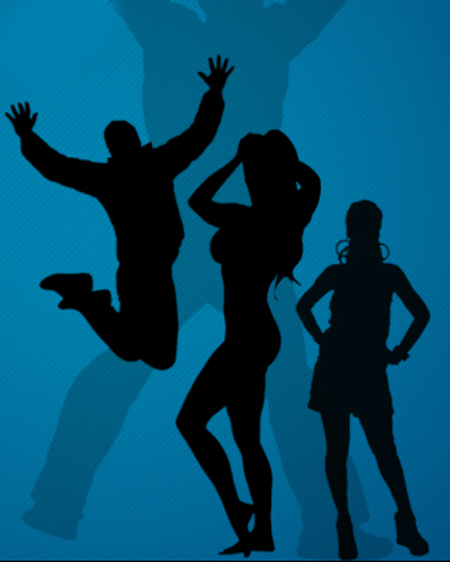
Silhouette Pack 3 (18 Brushes):

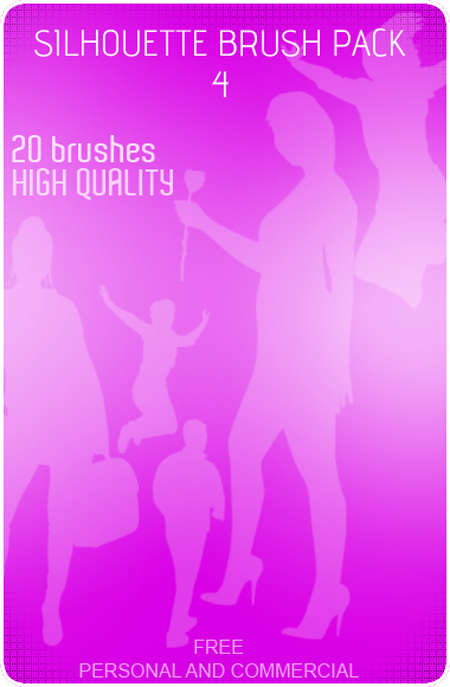
Silhouette Pack 4 (20 Brushes):
Footprints (32 Brushes):

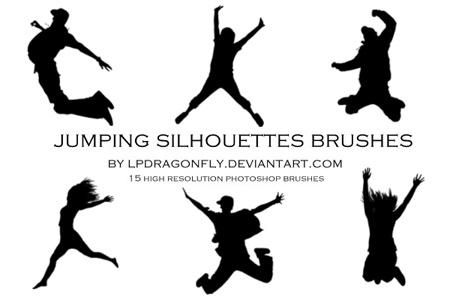
Jumping Silhouettes (15 Brushes):
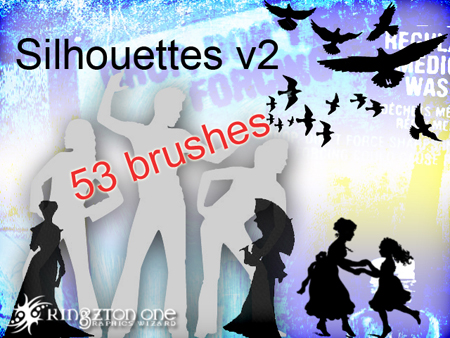
Silhouette V2 (53 Brushes):
Silhouette People (6 Brushes):

Silhouette IV (13 Brushes):

Ak-Vector People SUPER Pack (5 Brushes):

Abstract
Abstract 1+2+3 (378 Brushes):

Abstract Tech (55 Brushes):
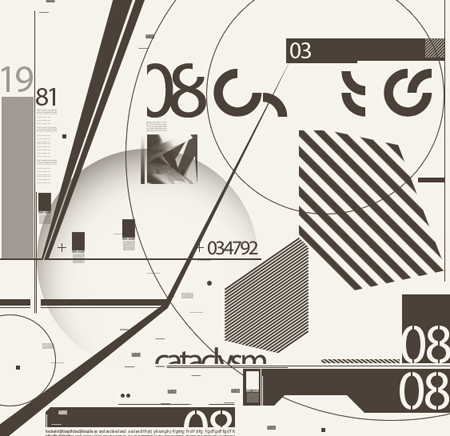
Vector Brushes by PaulW (36 Brushes):

Scan Lines (10 Brushes):

Stunning Fractals (6 Brushes):

Circle Drips (8 Brushes):
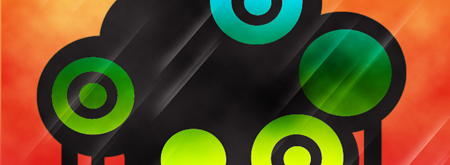
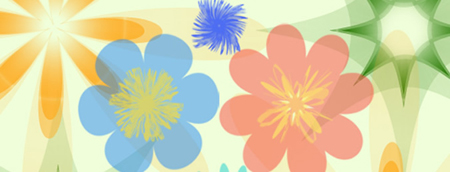
Flowers (10 Brushes):
Grunge
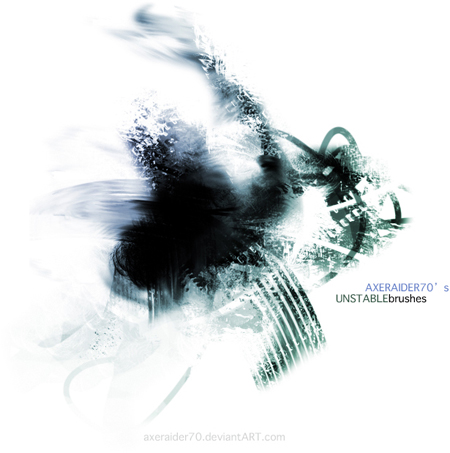
Unstable (10 Brushes):
Grungy Texturing Brushes (15 Brushes):
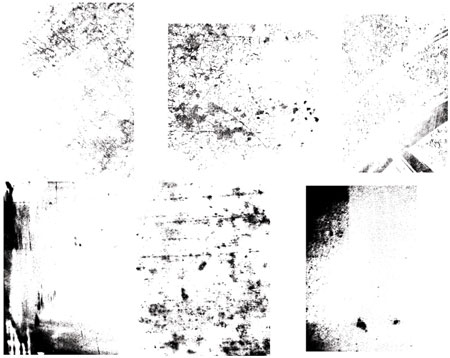
Coffee Stains (10 Brushes):

Coffee Stains MM (11 Brushes):

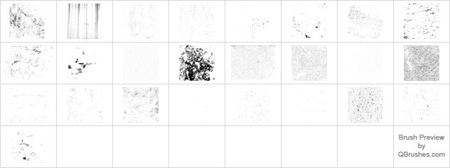
Distressed Grunge (26 Brushes):
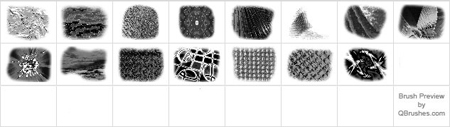
Grunge by Webdesignerlab (15 Brushes):
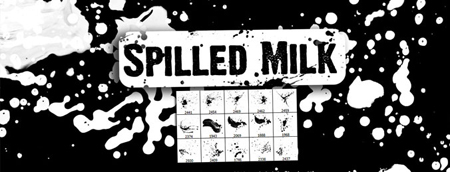
Spilled Milk (15 Brushes):
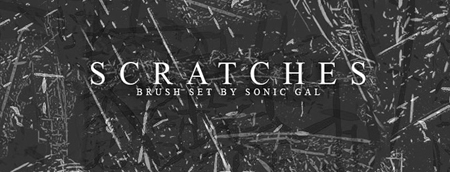
Scratches (30 Brushes):
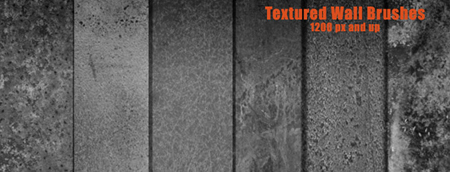
Textured Walls (6 Brushes):
Go to page 3 for Space and Sky; Vintage; Doodles; and Paper.
This article was last modified on January 27, 2021
This article was first published on April 16, 2010
Commenting is easier and faster when you're logged in!

Recommended for you
How to Turn a Photo into Graffiti in Photoshop
Create a spray-painted masterpiece in Photoshop with Steve Caplin.
How to Adjust Colors Using Photoshop’s Contextual Task Bar
Learn how to use the Photoshop Adjust Colors feature to make quick, non-destruct...

How to Adjust Colors in Photoshop Using Hue and Saturation
Learn how to manipulate an image’s colors using Photoshop’s Hue and Saturation s...