



In a recent update, Adobe added some rather cool enhancements to Muse CC, including persistent navigation (so people can always see where they are in a long page) and improved scroll motion effects. You can see these new features in action at Adobe TV.
We’ll be posting some Muse tutorials here at CreativePro in the near future, and to whet your appetite, here’s a freebie that you might find, ahem, handy: the Adobe Muse Keyboard Shortcut Cheat Sheet (PDF). It shows nearly 100 color-coded shortcuts (92 to be exact) for Mac and Windows.

Enjoy!
PS: If you haven’t tried Muse yet and want to get an idea of the kinds of websites you can build with it, check out the Adobe Muse Site of the Day.
This article was last modified on January 8, 2023
This article was first published on August 21, 2013
Commenting is easier and faster when you're logged in!

Recommended for you
Essential Illustrator Shortcuts
Save time with Kat Kremser's cheat sheet of Illustrator shortcuts!
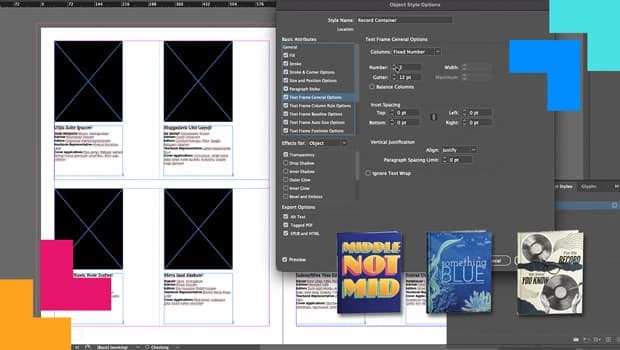
How Data Merge and Scripting Can Save the Day
Learn how InDesign’s capabilities turned a fragile, deadline-driven layout into...