



Through a special arrangement with Adobe, creativepro.com is posting nifty Photoshop tips and techniques by Russell Brown, Adobe’s digital imaging guru and Photoshop maestro. As one of the original contributors to Photoshop, Russell knows the program inside and out. Don’t know who Russell is? Find out!
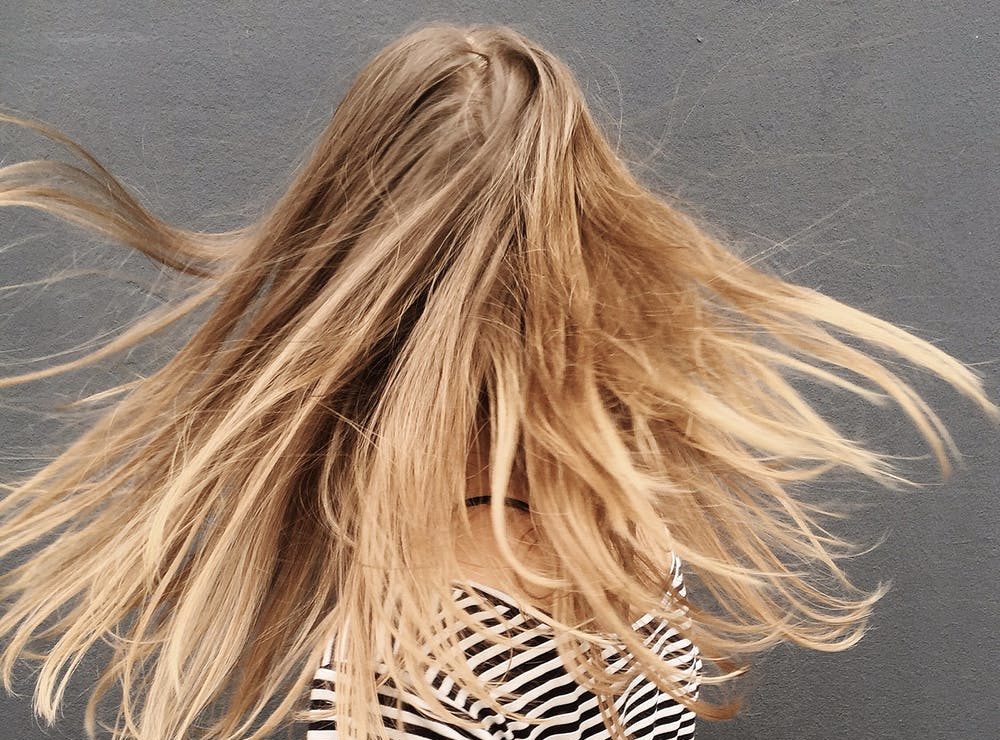
Anyone who’s ever done masking in Photoshop knows how frustrating it is to work on image with hair. In this PDF tutorial, “Extracting Hair,” Russell shows you how to isolate wispy tendrils of hair with ease, using Photoshop’s Extract command. It’s better than giving your image subjects a buzz cut.
To get started, open the PDF file.
This article was last modified on January 3, 2023
This article was first published on January 30, 2002
Commenting is easier and faster when you're logged in!

Recommended for you

An Ultrawide Monitor Could Transform Your Workflow
Pick your way past the gamer-oriented ads, and you find LG, HP, and Dell are all...

Free Photoshop and Lightroom Webinar
As part of their ongoing Create Now: Ask A Pro webinar series, Adobe is offering...

Scanning Around With Gene: Part 2 of That '70s Type!
Part 1 of That ’70s Type! Setting type is like re-decorating your home: yo...