



Through a special arrangement with Adobe, creativepro.com is posting nifty Photoshop tips and techniques by Russell Brown, Adobe’s digital imaging guru and Photoshop maestro. As one of the original contributors to Photoshop, Russell knows the program inside and out. Don’t know who Russell is? Find out!
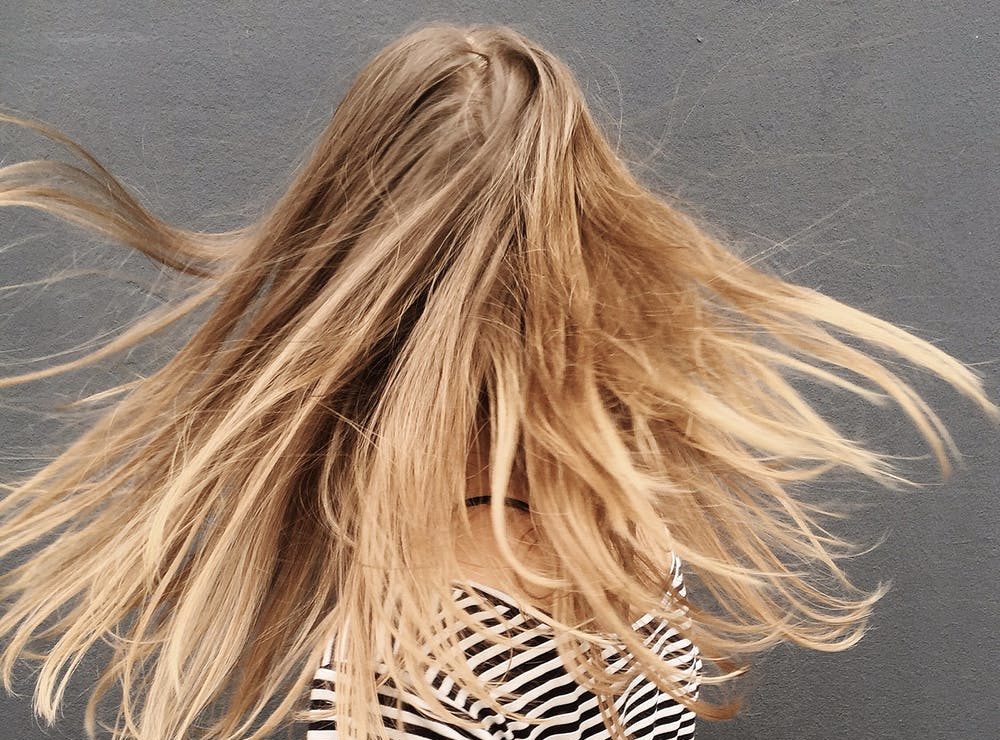
Anyone who’s ever done masking in Photoshop knows how frustrating it is to work on image with hair. In this PDF tutorial, “Extracting Hair,” Russell shows you how to isolate wispy tendrils of hair with ease, using Photoshop’s Extract command. It’s better than giving your image subjects a buzz cut.
To get started, open the PDF file.
This article was last modified on January 3, 2023
This article was first published on January 30, 2002
Commenting is easier and faster when you're logged in!

Recommended for you

Creating Duotones in Photoshop
Duotones offer designers a great way to add visual interest to photos. Essential...

CreativePro Tip of the Week: Matching Zoom and Location in Photoshop
This CreativePro Tip of the Week on matching zoom and location in Photoshop was...
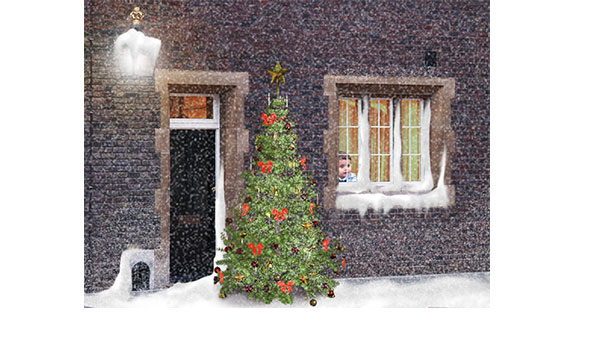
How to Create a Snow Scene in Photoshop
Too late to get your Christmas cards printed? You can still make an email card a...