



Here’s a quick tip to remember in case you ever need to access assets from an iBooks Author project to place into InDesign (or another program).
Like EPUBs, iBooks Author files (.IBA files), are really compressed ZIP archives, that you can open like a folder. You only need to uncompress them first to get at the contents. To do this, first change the extension from .iba to .zip.


Then double-click on the ZIP file in the Finder to uncompress it.
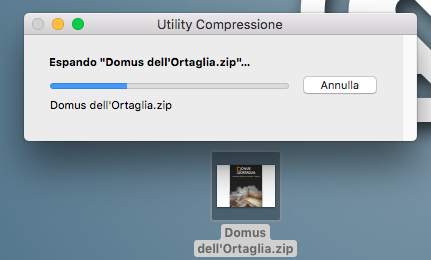
Inside the resulting folder will be all the images, sound files, and videos used in the iBook. Just remember to duplicate the .iba file first, if you might need it for any reason.

Bonus tip: Look inside the uncompressed ZIP folder and you will find a folder named “QuickLook”.
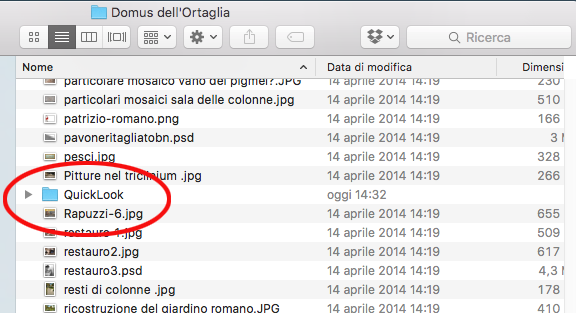
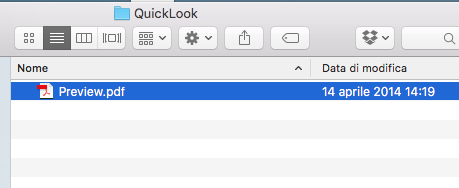
Inside it is a PDF named “Preview.pdf”, which is a PDF version of several pages of the eBook.

This article was last modified on January 10, 2023
This article was first published on October 16, 2017
Commenting is easier and faster when you're logged in!

Recommended for you
Premiere Pro Tutorial: Simple Color Correction for Video
Adobe Premiere Pro can feel a bit intimidating if you are new to the program and...

InQuestion: July 2017
Q: I’ve just started exploring the interactive features of InDesign with Fixed L...
InDesign How-to Video: How to Set Up Facing Pages
David Blatner explains what facing pages are and when you might want to use them...