



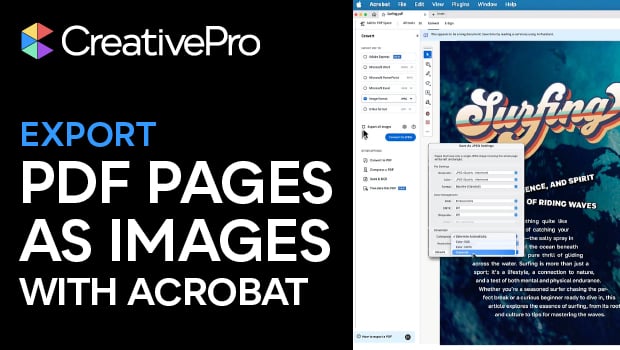
In this Acrobat how-to video, Chad Chelius demonstrates how to export PDF pages as high-quality images for use on social media or the web. First he walks through the export configuration settings, explaining how to adjust JPEG quality, color format, and resolution. Then, Chad shows where to find the downloaded images in your files.
Subscribe to the CreativePro YouTube channel for more helpful design tips!
This article was last modified on March 25, 2026
This article was first published on March 25, 2026
Commenting is easier and faster when you're logged in!

Recommended for you

Understanding Illustrator File Formats
Understanding Illustrator file formats such as AI, PDF, SVG, or EPS can save you...

Don’t Use PICT. Please.
When a reader wrote in about the PICT file format, David needed to vent. Again....

Coming Soon: CreativePro Magazine Issue 1
Read all about the exciting launch of our new magazine!