



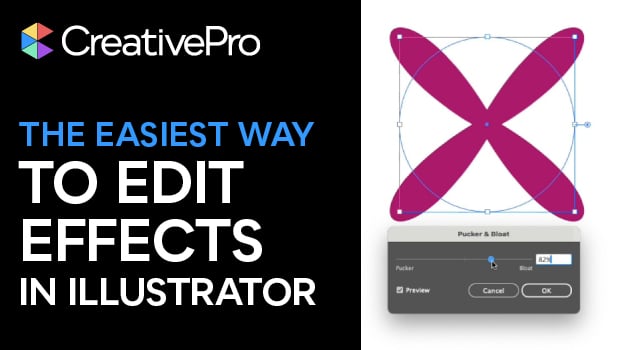
In this quick video, Khara Plicanic shows how to use Illustrator’s Appearance panel to make changes to applied effects. She also demonstrates adding multiple effects to an item.
Subscribe to the CreativePro YouTube channel for more helpful design tips!
This article was last modified on January 14, 2026
This article was first published on January 14, 2026
Commenting is easier and faster when you're logged in!

Recommended for you

How to Make a Glow Effect in Illustrator
Learn how to make Illustrator artwork pop with the Inner Glow and Outer Glow eff...

Tip of the Week: Placing One Image into Multiple Frames
There are three new Links panel icons in InDesign CC that you'll see when workin...
InDesign How-to Video: How to Make a Highlighter Effect
In this week’s InDesignSecrets video, Erica Gamet creates the look of highlighte...