



This tutorial is courtesy of the Russell Brown Show.
Camera Raw gives you fast and easy access to the data hidden in photos. Best of all, it comes with Photoshop! In this tutorial, I show you how to bring out the colors and the qualities of an image shot by photographer Clark Little.
The original is fine:

But with a little processing in Camera Raw, it becomes even stronger:

Click on the image below to follow me step by step.
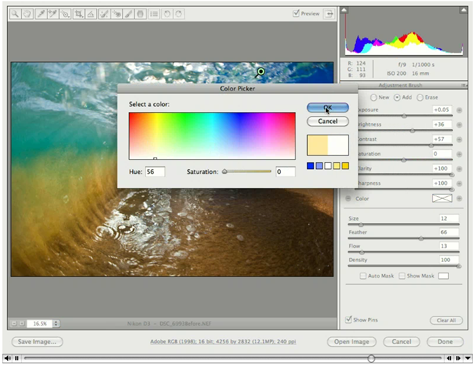
Be sure to download the most recent version of Camera Raw by going to Help > Updates in Photoshop or Bridge.
This article was last modified on January 5, 2023
This article was first published on February 4, 2010
Commenting is easier and faster when you're logged in!

Recommended for you

Photoshop CC 2015.5 New Features
Adobe has promised subscribers to its Creative Cloud plan that it will release m...

How to Extract Images Using Photoshop’s Refine Mask
Splitting Hairs with Refine Mask We can only accomplish so much using manual mas...
Corel's AfterShot Pro Seeks to Lure Lightroom and Aperture Users
Bibble was a software program from Bibble Labs that helped you manage and improv...