



Digital Video introduces Toonz 5.0 Bravo!, the perfect tool for producing paperless animation at an affordable price.
Toonz 5.0 Bravo! includes all the professional features of a 2D animation software and yet it is a cost-effective solution for studios willing to produce paperless animation.
Thanks to an intuitive interface and advanced drawing features, the paperless animation process based on Toonz Bravo! meets the expectations of the market as it allows to produce the same, or better, quality as the traditional 2D process, while significantly cutting the costs.
With Toonz Bravo! animators can draw from scratch and animate; build libraries for characters and props; create scene storyboards; use the storyboard to start composing the scenes by importing elements from libraries; modify imported animations and create new animation elements on the fly; move and calibrate the animation timing according to the xsheet; move pegbars, cameras and table; add special FX and render out composited sequences.
Besides, as it perfectly fits the Toonz 5.0 Harlequin workflow, you can produce paperless levels and scenes that are ready to be used by Toonz 5.0 Harlequin. Productivity can also be increased by adding to your studio asset more convenient Toonz Light Board licenses that allow you to increase the seats where animators can draw and paint animation.
Toonz 5.0 Bravo! is available for download on the Toonz Web site. This special save-disabled demo version can be used together with the tutorials available on-line to explore and experiment Toonz Bravo! features.
Toonz 5.0 Bravo! is available for Windows 2000 and Windows XP; MAC OS X 10.4 version will follow.
Additional information about Digital Video can be found at www.toonz.com.
This article was last modified on January 3, 2023
This article was first published on May 1, 2006
Commenting is easier and faster when you're logged in!

Recommended for you

Microsoft Confirms Timeline for 2007 Microsoft Office System
Microsoft Corp. confirmed the timeline for release and availability of...

Review: Adobe InDesign CS2
Only 18 months after rolling out InDesign CS, Adobe has released InDesign CS2, t...
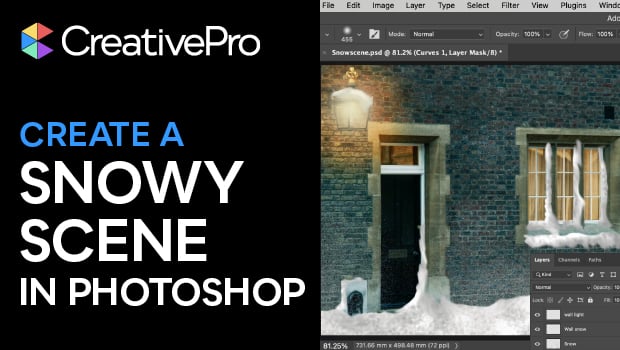
How to Create a Snowy Scene in Photoshop
Steve Caplin creates a winter wonderland from an ordinary street photo in Photos...