





Creativepro.com readers can subscribe to “Before & After” at a discount. Click here to learn more.
Who doesn’t want a million colors at your disposal? Think how much fun it would be to design with as many inks as your computer can simulate!
But if your budget doesn’t call for two spot-color plates in addition to four-process color, don’t despair. Artful blending of even two inks can result in 10,000 or more color combinations.

In this feature from “Before & After Magazine,” see the variety that’s possible when you create tints of inks and mix them together to form new color combinations.
We’ve posted this story as a PDF file. All you do is click this link “Tint Magic” to open the PDF file in your Web browser. You can also download the PDF to your machine for later viewing.
To open the PDF, you’ll need Adobe Acrobat (5 or higher) or Adobe Reader, which you can download here:
 .
.
To learn how to configure your browser for viewing PDF files, see the Adobe Reader tech support page.
This article was last modified on January 3, 2023
This article was first published on June 30, 2004
Commenting is easier and faster when you're logged in!

Recommended for you
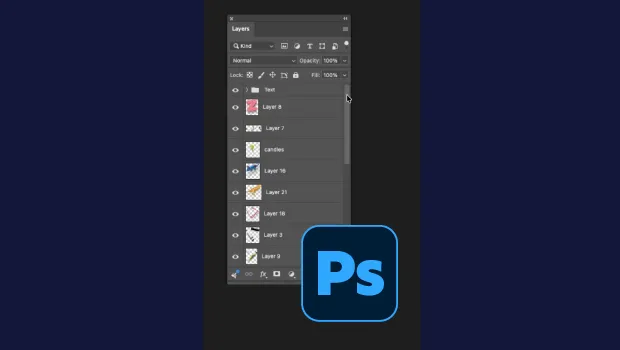
Smarter Thumbnails in Photoshop
Make Photoshop layer thumbnails clearer with one quick setting change.

Editor’s Picks for The Design + Accessibility Summit 2026
Our Editor in Chief lists his must-see sessions for The Design + Accessibility S...

Index Fixes: No Styling in Topic Names
Topic names cannot natively be styled in the Index panel. However, a simple solu...