


Before&After: Design for Desktop Printers that Can’t Print Edge-to-Edge
How to design pages for desktop printers that can't print to the edge.

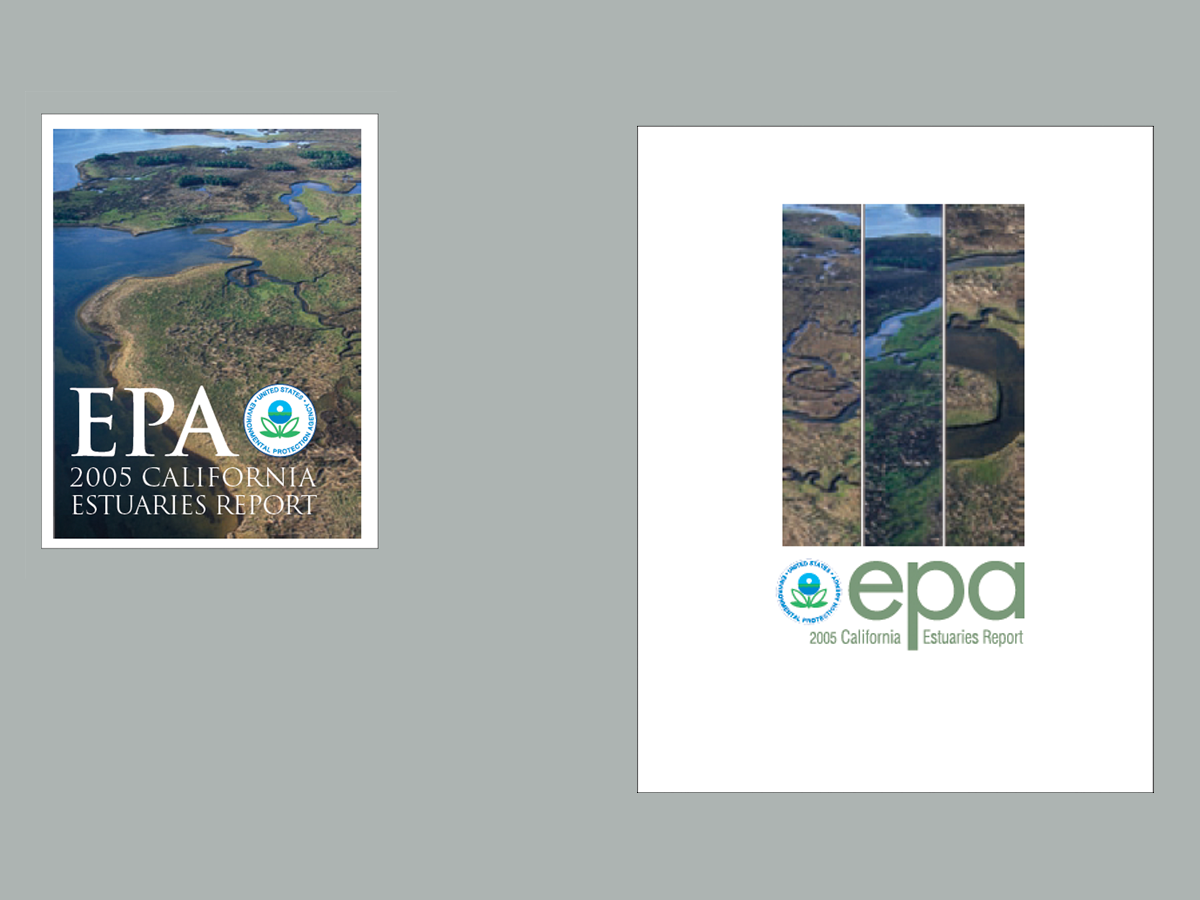
Modern desktop printers are small technical wonders, but many can’t print to the edges of the sheet (a full bleed). They leave a distracting white border that is undesigned and undesignable. So instead of fighting it, amplify the white space, and make it part of your designs. This 18-page article from issue 40 of Before&After Magazine teaches you how to design around the distracting white border that many inexpensive printers leave around the edges of your page .
The surest way to eliminate the white border is to make more white. Reducing your live matter visually disconnects it from the edge of the page.

© John McWade/Before&After Magazine, courtesy of Gaye Anne McWade.
Commenting is easier and faster when you're logged in!

Recommended for you

Before&After: Optima: The Typeface of 9/11
How Optima brings dignity and humanity to the National September 11th Memorial.
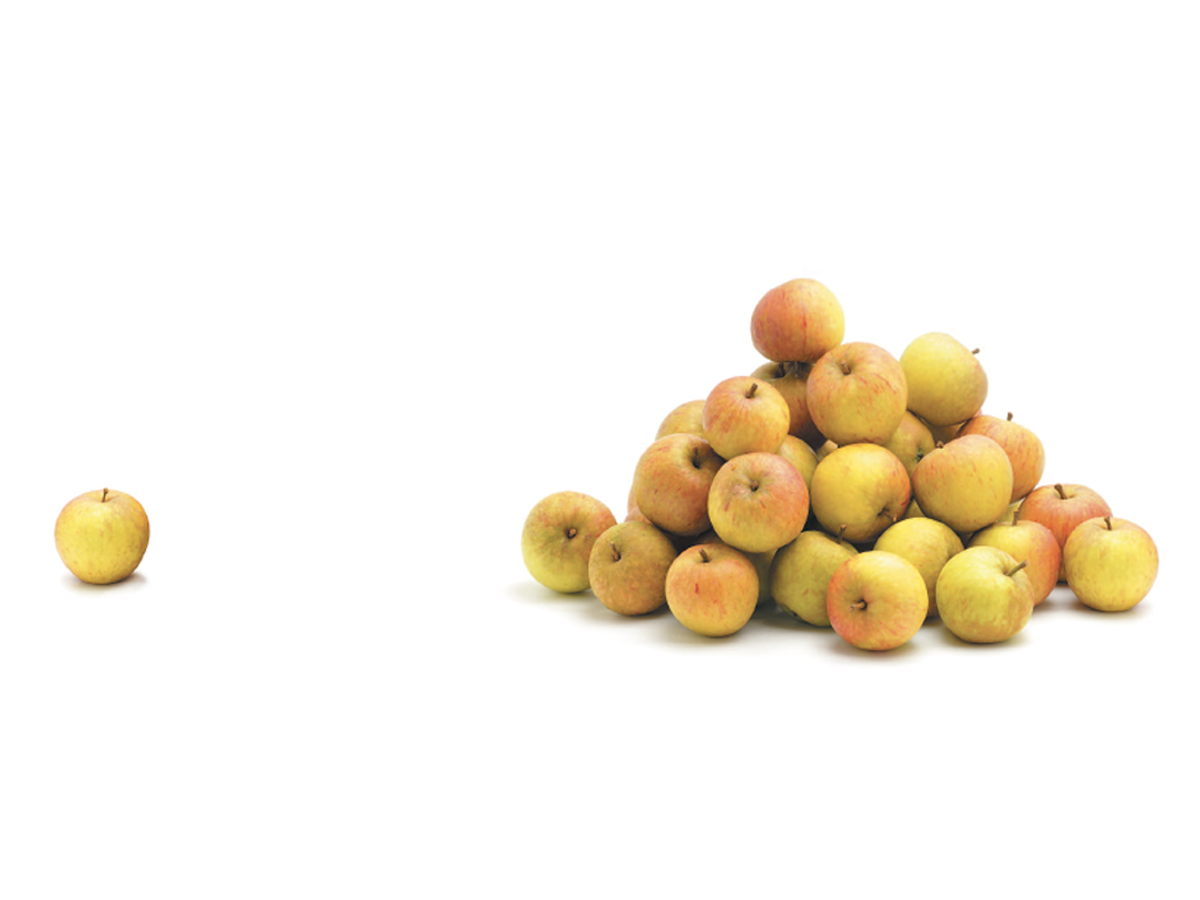
Before&After: Gestalt Theory: Proximity
When separate elements are grouped, they appear united just because they’re clos...

Before&After: Big, Bold, Beautiful
This magazine is a quick read for the busy traveler. Here are the techniques tha...