




Have a bunch of images that you need to delete (but you want to keep the graphic frames)? You could shift-click and press delete like crazy… or you could use this script by Peter Kahrel.
It’s a simple little thing: If you have one or more frames selected, it removes the contents (but only images… not text). If you don’t have any frame selected when you run the script, it deletes every image throughout your document. Cool!
(Well, it’s only cool if you meant to do it. There is no “are you sure you want to do that?” alert. So be sure you know what you’re doing. I usually recommend people save a document before running a script like this, to make it easier to Revert if you find you need to go back.
You can download the script here (it’s a zip file which you can uncompress and place in your scripts folder).
Thank you, Peter!
This article was last modified on August 2, 2022
This article was first published on July 29, 2009
Commenting is easier and faster when you're logged in!

Recommended for you

More Font Info for InDesign CC Users
Have you noticed that in recent versions of InDesign, the Find Font dialog box i...
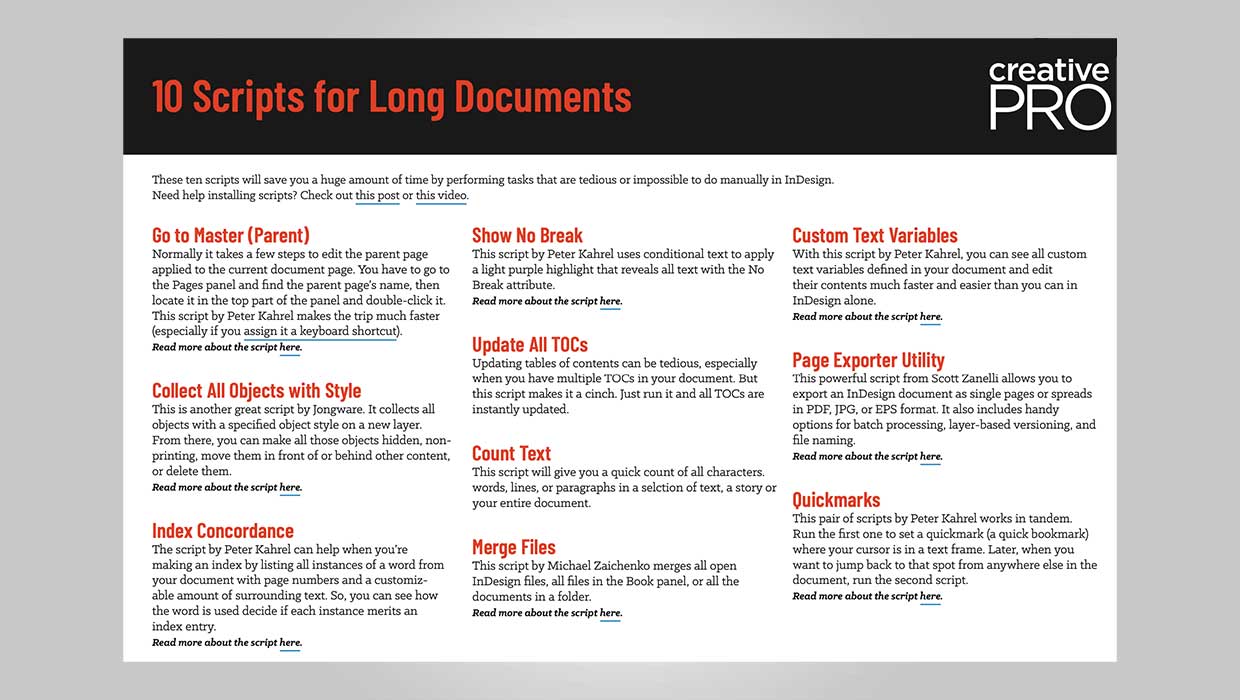
InDesign Downloadable: Long Document Scripts
Ten scripts that can save you a ton of time on common long-document tasks in InD...
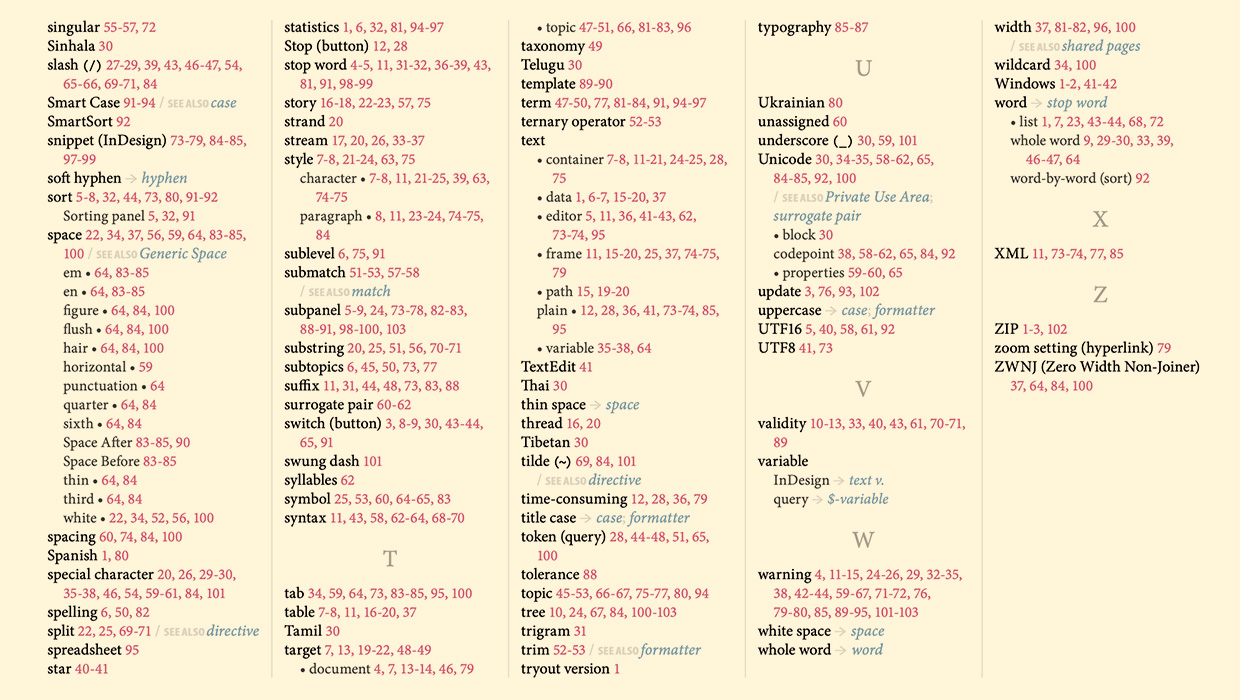
IndexMatic<sup>3</sup> Review
The most powerful indexing solution for InDesign just got even better.