




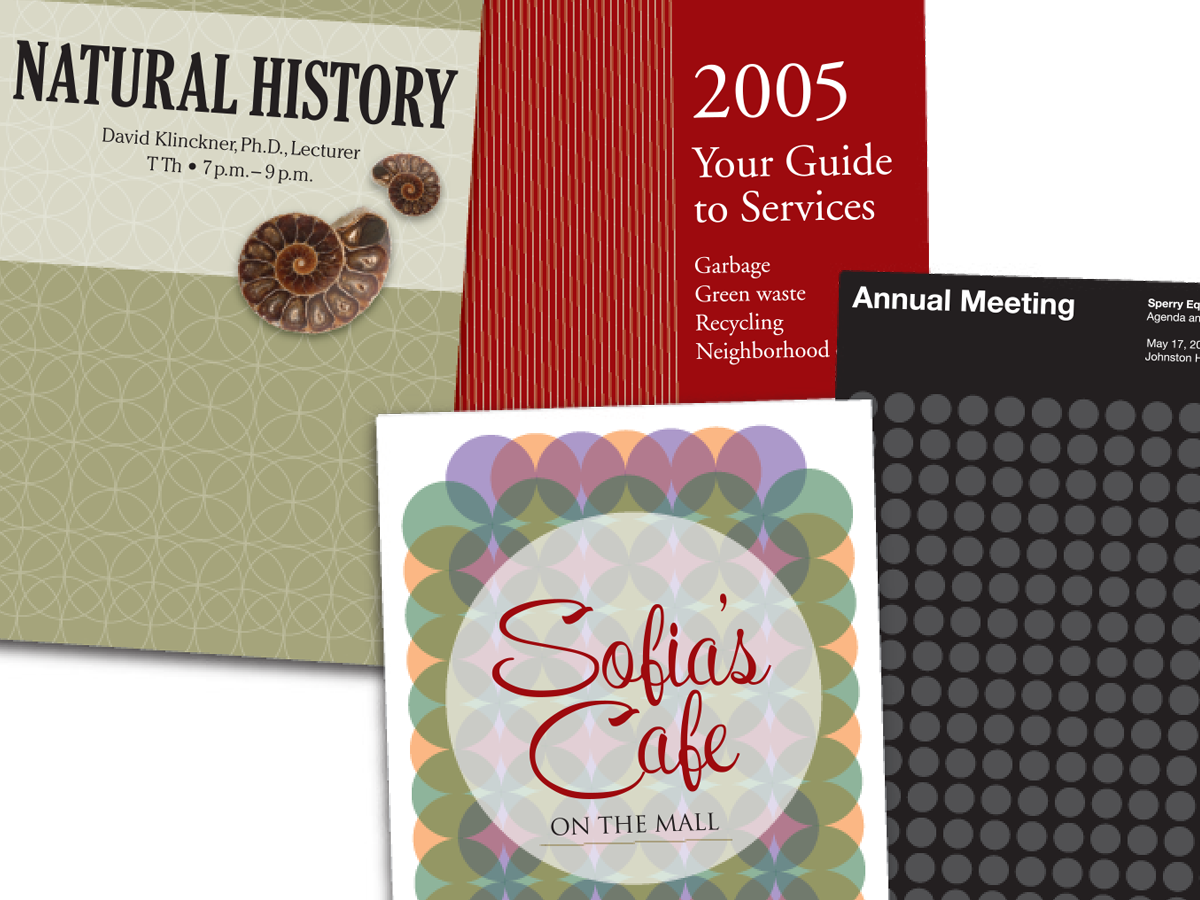
In this CreativePro Week sneak peek video, Dave Clayton demos a quick way to fill a shape with a repeating pattern of the shape itself. Using the Phantasm plug-in from Astute Graphics, he has complete control over the size, angle, and layout of the pattern and is able to easily apply it to other shapes as well as easily update it.
This video is a sneak peek of Dave’s CreativePro Week 2023 sessions. See the full agenda and register for the conference—both in-person in Phoenix, Arizona and online—at CreativeProWeek.com.
This article was last modified on August 29, 2025
This article was first published on March 14, 2023
Commenting is easier and faster when you're logged in!

Recommended for you
Before&After: Easy Cover Patterns
Using this step-and-repeat technique, you can make artistic covers in no time!

Create Seamless Patterns in Illustrator
Making a repeating pattern in Illustrator is a lot easier than it used to be. In...

Making Patterns with Conditional Text
Besides being an full-time InDesign user, I’m also avid knitter. Whil...