




In this Illustrator how-to video, Laura Coyle demonstrates how to create strokes with non-uniform widths. Using a sketch as a guide and wielding the Pencil tool, she shows how easy it is to create flowing lines and how to save stroke profiles for re-use throughout your design.
This video is an excerpt from Laura’s “Illustrator Techniques from Editorial and Commercial Illustration” session at CreativePro Week 2019. See all of our current events on our Events page.
Subscribe to the CreativePro YouTube channel for more helpful design tips!
This article was last modified on August 29, 2025
This article was first published on February 2, 2021
Commenting is easier and faster when you're logged in!

Recommended for you

20 Great Uses for the Alt/Option Key in Illustrator
Use these shortcuts to make things go faster and easier in Adobe Illustrator.

How to Name and Rearrange Artboards in Illustrator
Learn how to create Illustrator artboards from individual items on the page, the...
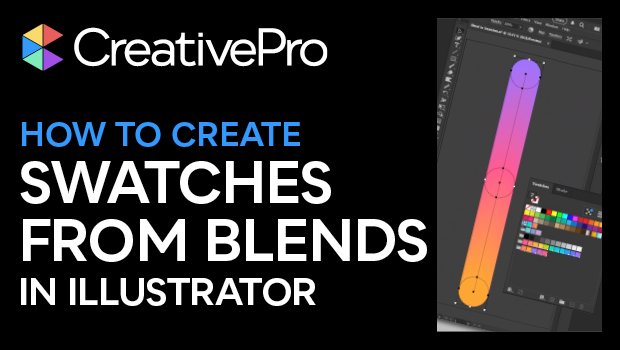
How to Create Swatch Groups from Color Blends in Illustrator
Learn how to create swatch groups from color blends in Illustrator and save them...