




In this “Three Minutes Max” video, Nolan Haims shows us how to update an Excel chart and have it update in InDesign… all while juggling. Yes, juggling! Taken from the InDesign Secrets Holiday Special, he explains how he edits an Excel chart that updates in InDesign, with a little help from PowerPoint!
Three Minutes Max comes from a fun—yet very competitive—session at our annual CreativePro Week conference. Speakers have three minutes (max!) to wow the audience with the tip and win a prize for a lucky conference attendee.
New videos every week on our CreativePro YouTube channel. Be sure to subscribe so you don’t miss any!
This article was last modified on August 29, 2025
This article was first published on December 28, 2020
Commenting is easier and faster when you're logged in!

Recommended for you
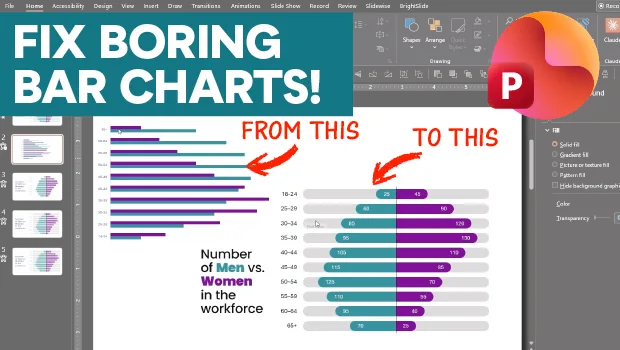
Making Beautiful Bar Charts in PowerPoint
This mirrored, clustered bar chart is sure to catch your eye!
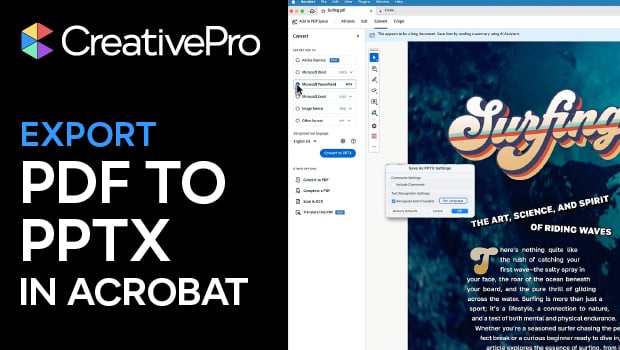
Export a PDF to a PowerPoint File from Acrobat
Editing your PDF file will be a breeze if you export it to PowerPoint, with Chad...

Five Super Slide Makeover Techniques
Team up with the “Fantastic Five” to become a presentation design superhero.