



Illustrator has a few ways of viewing a document—or just parts of one—and Dave Cross shares a few of those tricks in this video. Whether you need to jump back and forth between two views, or work on detail while seeing how it affects the entire document, Dave has the inside scoop on how to make it happen.
This video is an excerpt from Dave’s “Power Tips for Illustrator” session at CreativePro Week 2018.
New videos every Tuesday on our CreativePro YouTube channel. Be sure to subscribe so you don’t miss any!
This article was last modified on August 29, 2025
This article was first published on March 5, 2019
Commenting is easier and faster when you're logged in!

Recommended for you

The Unexpected Rebirth of Adobe DNG
The Adobe Digital Negative (DNG) format started out as an open file format for s...
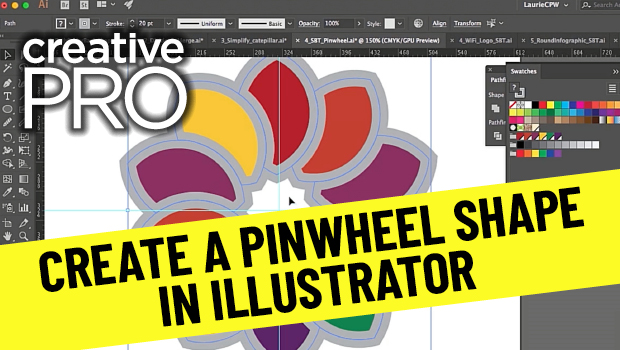
CreativePro Video: Create a Pinwheel Shape in Illustrator
Learn how to create a repeating pinwheel shape in Illustrator by duplicating and...
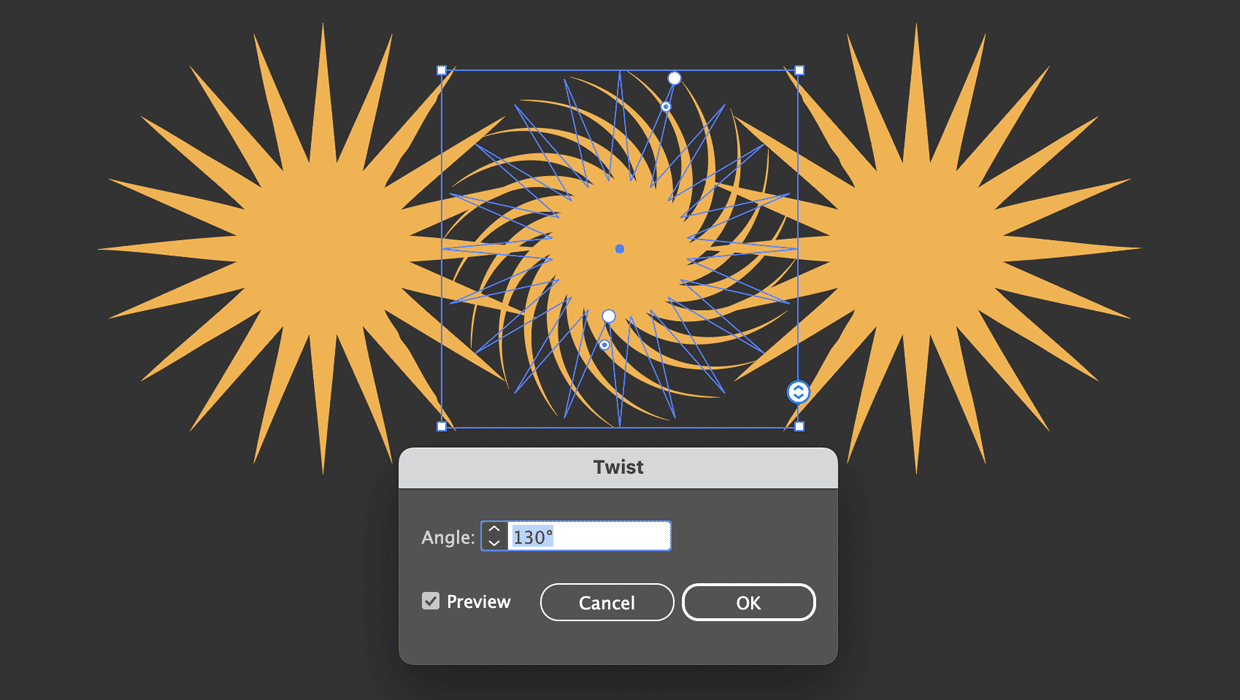
How to Use the Star Tool in Illustrator
Learn how to make stars as live shapes, which can be easily edited at any time,...