



In this “Three Minutes Max” video, Erica Gamet shows how to create footnotes from endnotes with a simple InDesign script, including creating footnote references using GREP. Then she makes those into dynamic endnotes for two-way navigation in an EPUB… all in just three minutes!
Three Minutes Max comes from a fun—yet very competitive—session at our annual CreativePro Week conference. Speakers have three minutes to wow the audience with the tip and win a prize for a lucky conference attendee.
Subscribe to the CreativePro YouTube channel for more helpful design tips!
This article was last modified on August 29, 2025
This article was first published on September 13, 2018
Commenting is easier and faster when you're logged in!

Recommended for you
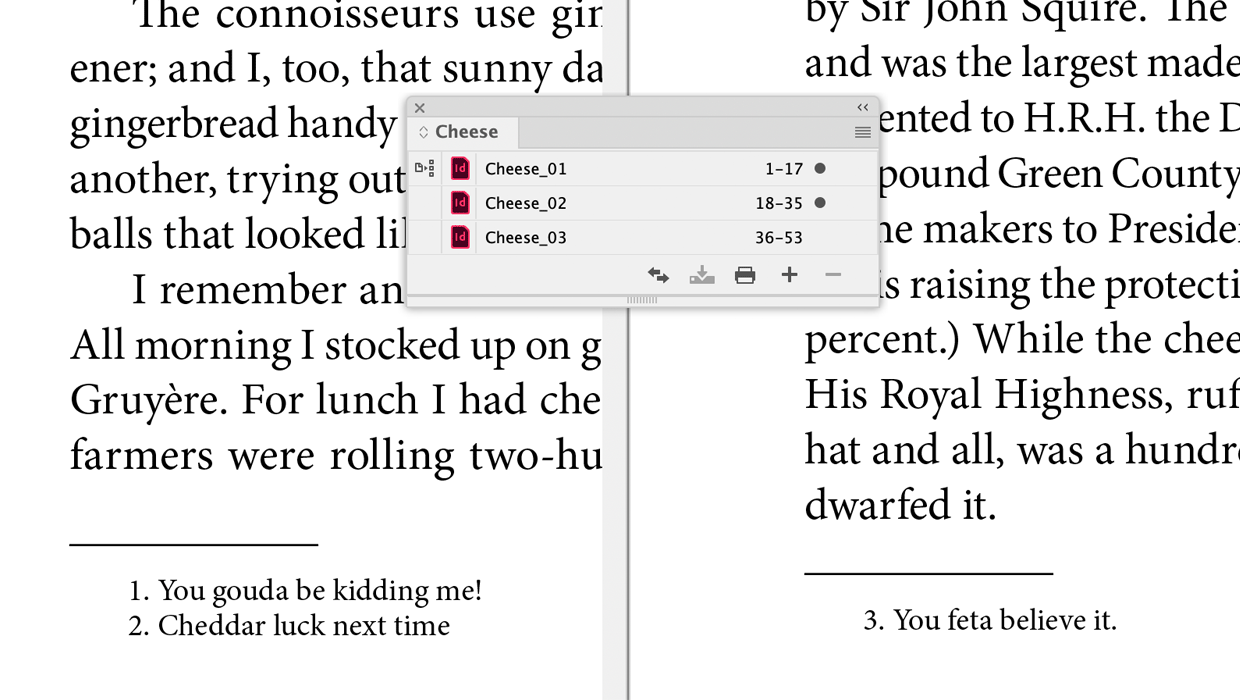
A Script to Continue Footnote Numbering Across Book Documents in InDesign
Free script to makes it easy to manage footnote numbering in complex book docume...

The Peter Kahrel Script Repository Gets a CreativePro Makeover
Peter Kahrel is one of the most prolific and influential InDesign scripters of a...

Get Your Footnote Number Back
Deleted one of your footnote numbers? Don't panic! Here's a (very obscure) way t...