



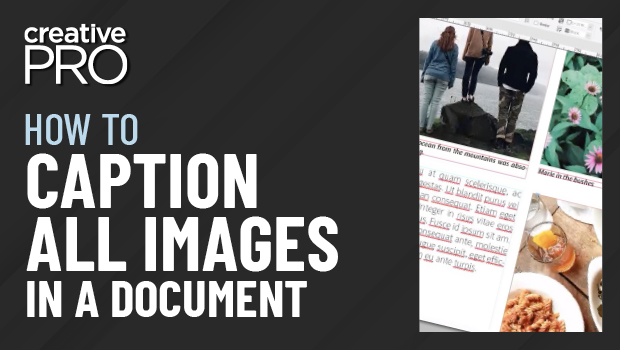
In this “Three Minutes Max” video, Bart Van de Wiele shows us an easy way to create quick photo captions in InDesign that don’t “crash” into other text frames. And he doesn’t just assign them spread-by-spread, but across an entire document all at once!
Three Minutes Max comes from a fun—yet very competitive—session at our annual CreativePro Week conference. Speakers have three minutes (max!) to wow the audience with the tip and win a prize for a lucky conference attendee.
New videos every week on our CreativePro YouTube channel. Be sure to subscribe so you don’t miss any!
This article was last modified on August 29, 2025
This article was first published on May 14, 2019
Commenting is easier and faster when you're logged in!

Recommended for you
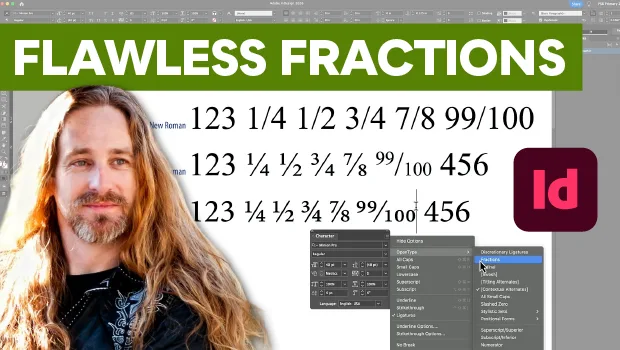
Create Flawless Fractions with OpenType
Choose your font carefully if you need flawless fractions!
Closed Captioning in Premiere
Add captions to your Premiere video to ensure everyone benefits from its audio t...
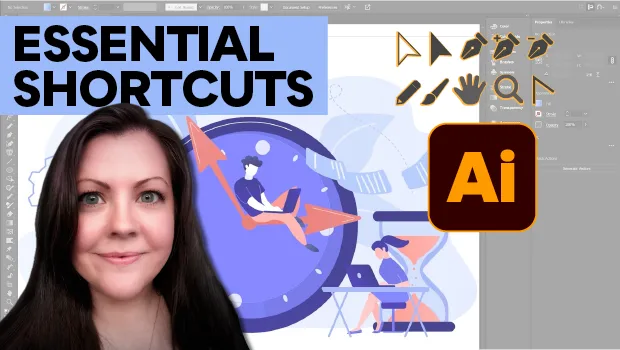
Essential Illustrator Shortcuts
Save time with Kat Kremser's cheat sheet of Illustrator shortcuts!