




In this week’s CreativePro video, Bill Jelen demos how to format text using a feature called Flash Fill. The feature lets you define how to format a block of information that you can then use with InDesign’s data merge, or just copy and paste into InDesign.
New videos every Tuesday on our CreativePro YouTube channel. Be sure to subscribe so you don’t miss any!
This article was last modified on March 26, 2019
This article was first published on March 26, 2019
Commenting is easier and faster when you're logged in!

Recommended for you
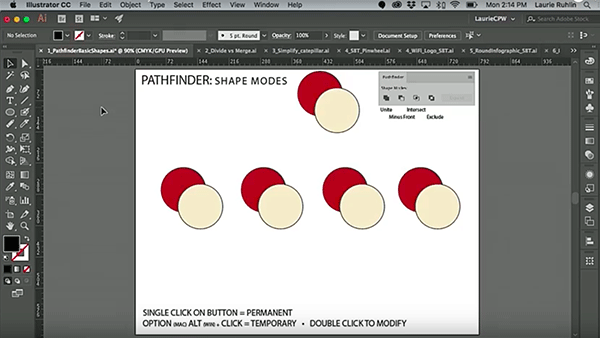
CreativePro Video: Illustrator’s Pathfinder Panel
In this week’s CreativePro video, Laurie Ruhlin takes the mystery out of Illustr...

CreativePro Video: Using Morph Transitions in Powerpoint
In this week’s CreativePro video, Richard Goring demos how to create a magnifyin...

CreativePro Ask the Expert Video: Diane Burns
In this “Ask the Expert” video, David Blatner chats with InDesign expert Diane B...