


CreativePro Video: Always Paste to Center in Photoshop
See the simple trick for pasting large selections in Photoshop to the center of the canvas.
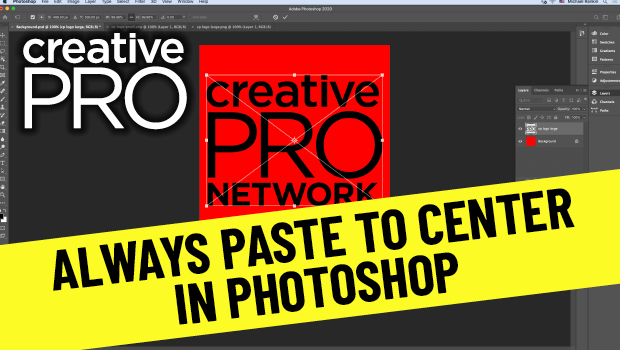
In this video, Mike Rankin shows how to paste an item in Photoshop to the center of the canvas. Although that’s the expected behavior, when pasting objects larger than the canvas they’re not centered and they require extra steps to fix. Mike demos a quicker way to have a pasted image auto center and scale.
New videos every other Tuesday on our CreativePro YouTube channel. Be sure to subscribe so you don’t miss any!
This article was last modified on August 29, 2025
This article was first published on December 8, 2020
Commenting is easier and faster when you're logged in!

Recommended for you
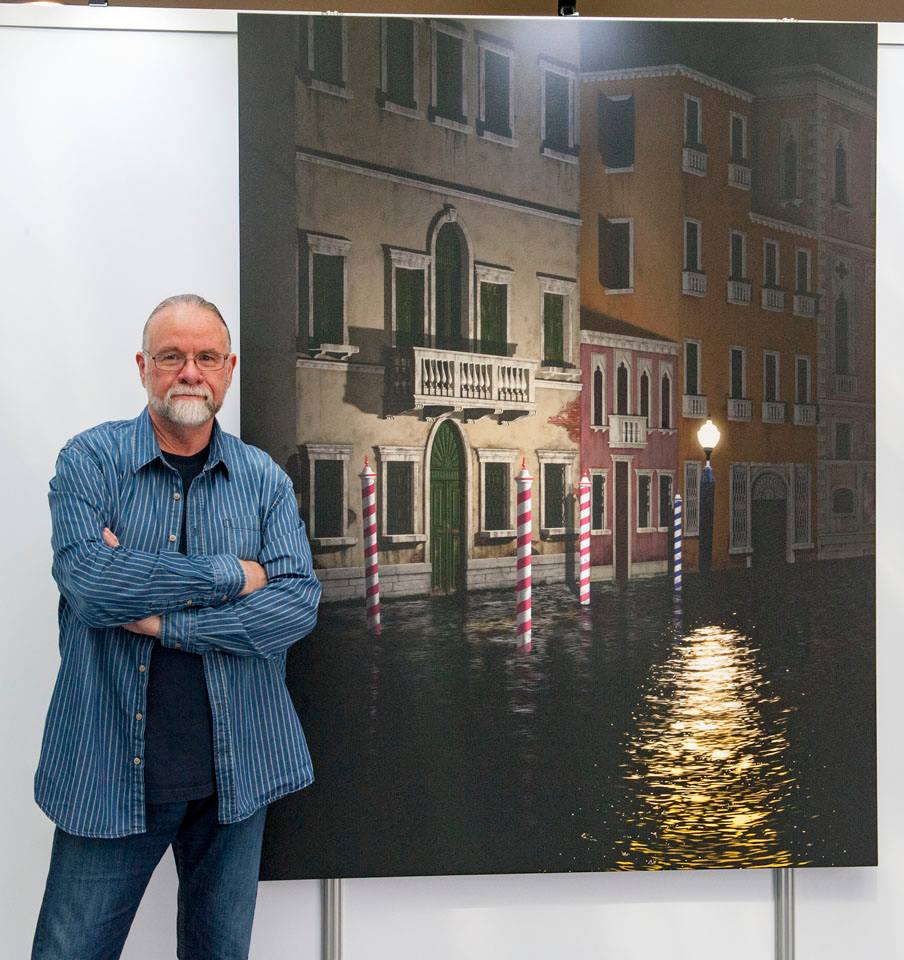
CreativePro Conference Speaker Spotlight: Bert Monroy, the Digital Art Pioneer
Welcome to our new series of posts called Speaker Spotlight, designed to highlig...
The Designer’s Guide to AI and Copyright
AI is the new normal, but do you know the laws to keep you and your work protect...
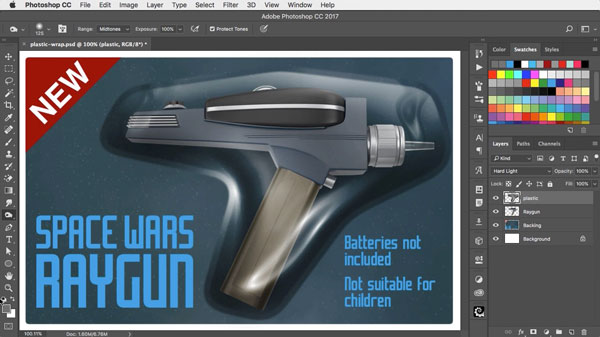
Using Photoshop’s Plastic Wrap Filter
Photoshop’s Plastic Wrap filter is great at creating liquid effects of all...