



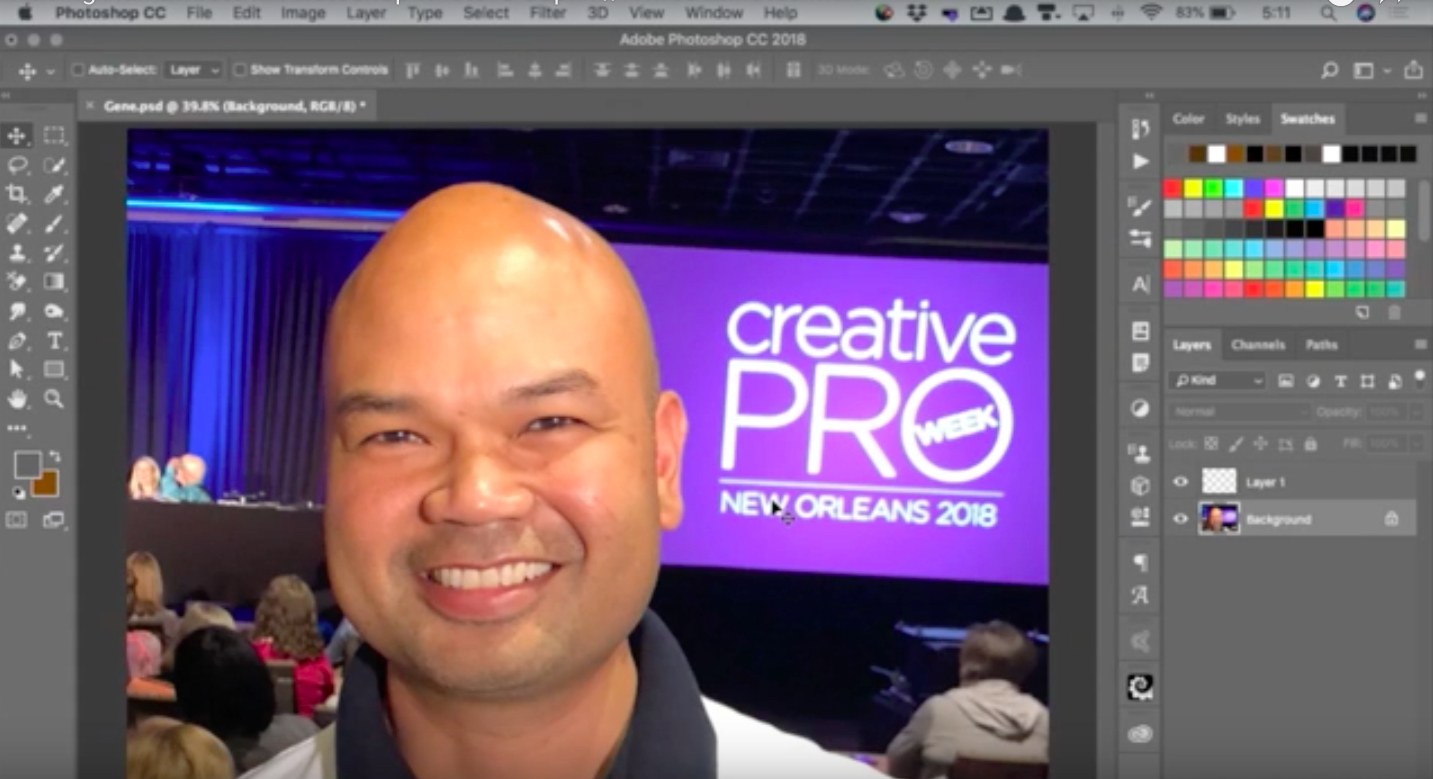
In this week’s CreativePro CreativePro video, Steve Caplin uses Photoshop to make a CreativePro Week attendee look more like CreativePro’s own David Blatner. By using a brush made to look like hair and playing with blur, he gives Gene a new ‘do and a beard. And—just in time for Halloween—the results are just slightly on the creepy side!
New videos every Tuesday on our CreativePro YouTube channel. Be sure to subscribe so you don’t miss any!
This article was last modified on October 16, 2018
This article was first published on October 16, 2018
Commenting is easier and faster when you're logged in!

Recommended for you

Photoshop Pie Crust Effects
You may not be a whiz in the kitchen, but all you need is an understanding of Ph...

CreativePro Video: Better Auto Color Correction in Photoshop
In this week’s CreativePro video, Jesús Ramirez demos how to get better automati...
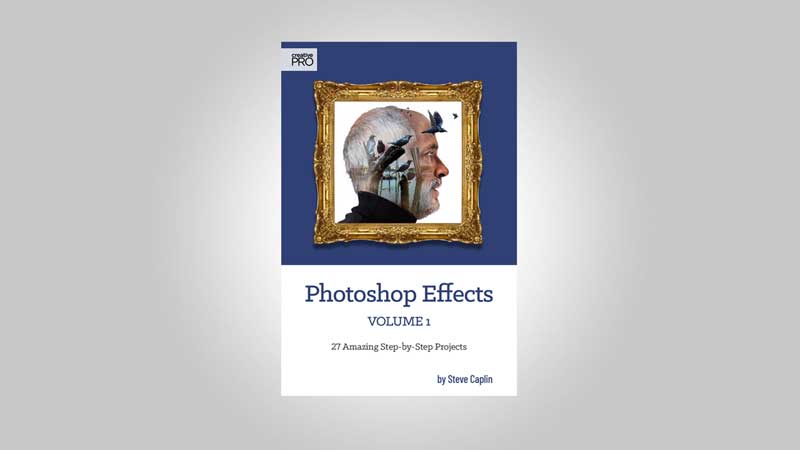
Steve Caplin’s Photoshop Effects, Vol. 1 Now Available
Steve Caplin walks you through 27 step-by-step tutorials covering a wide range o...