




This CreativePro Tip of the Week on making Illustrator do the math for you was sent to CreativeProse email subscribers on February 22, 2017.
Sign up now and every week you’ll get a new tip, plus roundups of new articles, and exclusive deals sent right to your Inbox!
Just scroll down to the bottom of this page, enter your email address, and click Submit! We’ll take care of the rest. Now, on with the tip!
Ever struggle to figure out the exact number to enter in one of Illustrator’s panels because the math is tricky? You don’t have to figure out the correct value to enter in the Transform panel or the Control panel. Instead, make Illustrator do the math for you. Enter * to multiply, / to divide, + to add, and – to subtract. For example, say you had an object 335 pixels wide and were told to make it two and a half times bigger. You could enter 335px*2.5 in the Width Value field and press Return or Enter.

This article was last modified on March 3, 2017
This article was first published on March 3, 2017
Commenting is easier and faster when you're logged in!

Recommended for you

Create Patterns With Adobe Capture CC
How do you create beauty? There’s the old fashioned way: First, create the...

Heavy Metal Madness: I'm Looking Through You. Where Did You Go?
I’m a bit late in this eulogy to a couple of products from Eastman Kodak t...
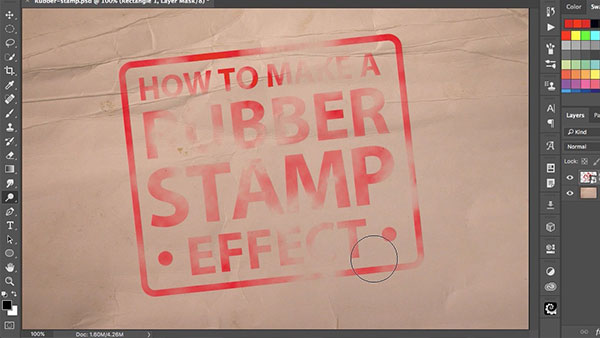
How to Make a Rubber Stamp Effect in Photoshop
You can turn just about any artwork, logo, or text into a rubber stamp by follow...