



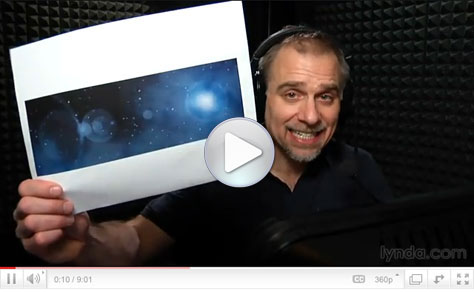
You could call this Photoshop how-to “Deke… In… SPAAAAACE!” In this eight-minute video, I’ll show you how to go from a plain black rectangle to a cosmic scene complete with stars, planets, and space gas.
All it takes is Photoshop’s Add Noise and Gaussian Blur filters, some Levels adjustment, strategically placed Lens Flare, and you’ll have a universe suitable for Web and print projects.
Click the screenshot below to view the step-by-step tutorial video:
This article was last modified on January 6, 2023
This article was first published on April 7, 2011
Commenting is easier and faster when you're logged in!

Recommended for you
Crafting Chromatically Rich and Luminous Images
“If all the world’s a stage, I want better lighting.” I couldn’t agree more with...

CreativePro Tip of the Week: Customizing the Photoshop Interface
This CreativePro Tip of the Week on customizing the Photoshop interface was sent...

Out of Gamut: Soft Proofing in Photoshop 6.0
By now, it’s pretty clear that Adobe Photoshop 6.0 is an impressive upgrad...