



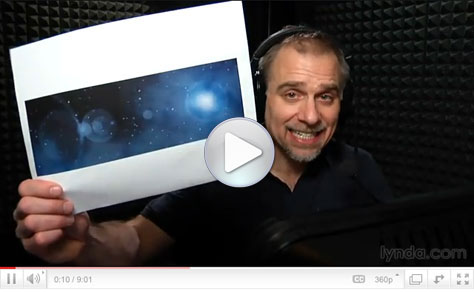
You could call this Photoshop how-to “Deke… In… SPAAAAACE!” In this eight-minute video, I’ll show you how to go from a plain black rectangle to a cosmic scene complete with stars, planets, and space gas.
All it takes is Photoshop’s Add Noise and Gaussian Blur filters, some Levels adjustment, strategically placed Lens Flare, and you’ll have a universe suitable for Web and print projects.
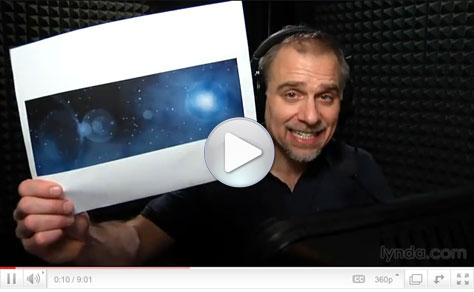
Click the screenshot below to view the step-by-step tutorial video:
This article was last modified on January 6, 2023
This article was first published on April 7, 2011
Commenting is easier and faster when you're logged in!

Recommended for you

Frequency Separation Retouching in Photoshop
“Dammit, Jim, I’m a designer, not a rocket scientist!” I hear you cry. Well, bef...

Thou Shall Not Use Comic Sans
Excerpted from Thou Shall Not Use Comic Sans: 365 Graphic Design Sins and Virtue...

Creating Custom Shadows in Photoshop
Learn how to create shadows that add a whole new layer of meaning to a photo.