



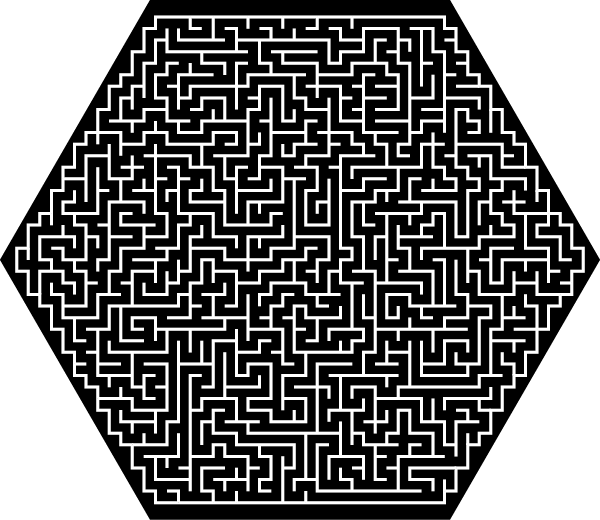
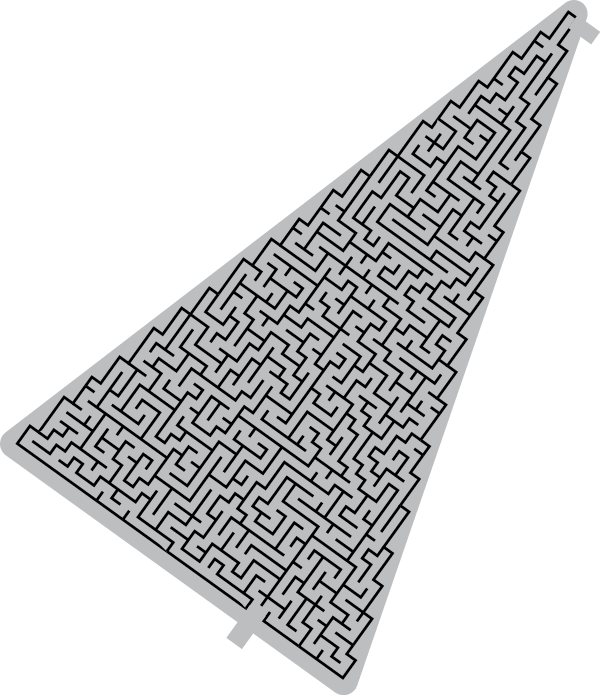
An attendee I met at the recent CreativePro Conference contacted me to ask if I knew of any tools to help create puzzles, mazes, word finds, etc. in InDesign. While digging to locate some resources for her, I came across a gem of a script for creating challenging mazes right in InDesign with a couple of clicks. This script was created by the brilliant scripter Theunis de Jong (aka Jongware). It is, quite simply, amazing!
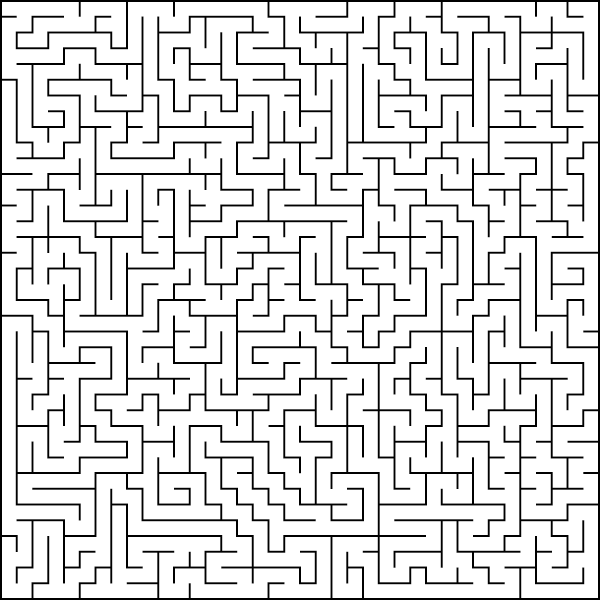
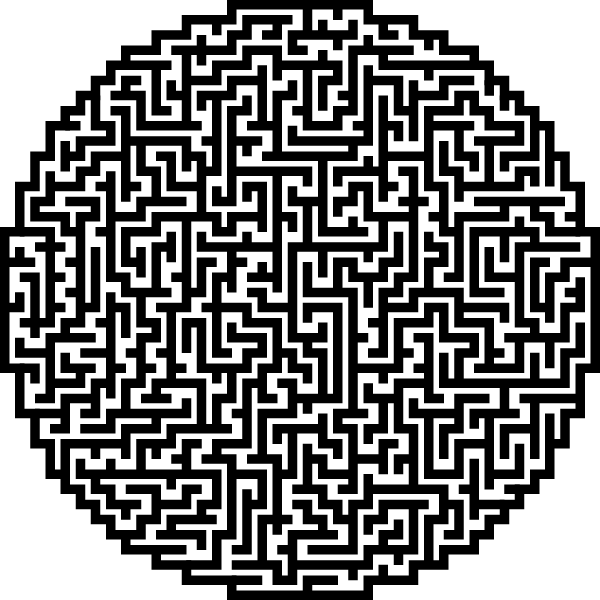
How to Create Mazes in InDesign
- Download the script
- Install the script. You can find instructions for installing and running a script here.
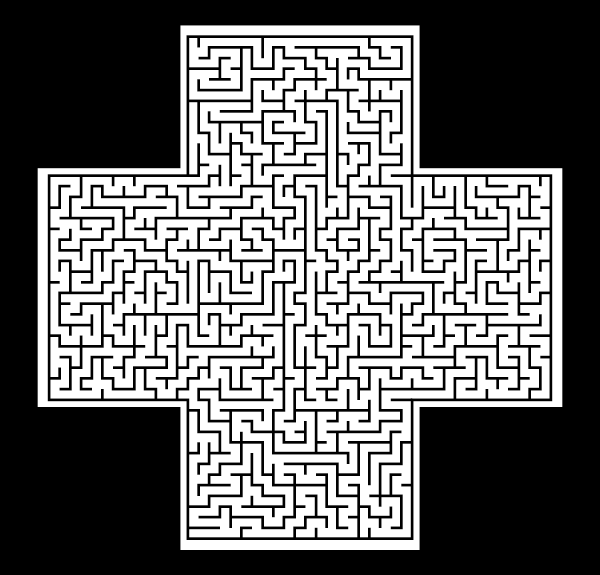
- Create a shape for the outer bounds of the script. This can be any shape, but it must be a single object. Create the shape with the rectangle, polygon, ellipse, or pen tools, or combine multiple shapes into one using Object > Pathfinder > Add. The object must be on page 1 of your document.
- Select the shape you just drew, and run the script.
The resulting maze will consist of three objects. These are easy to select and manipulate in the Layers panel.
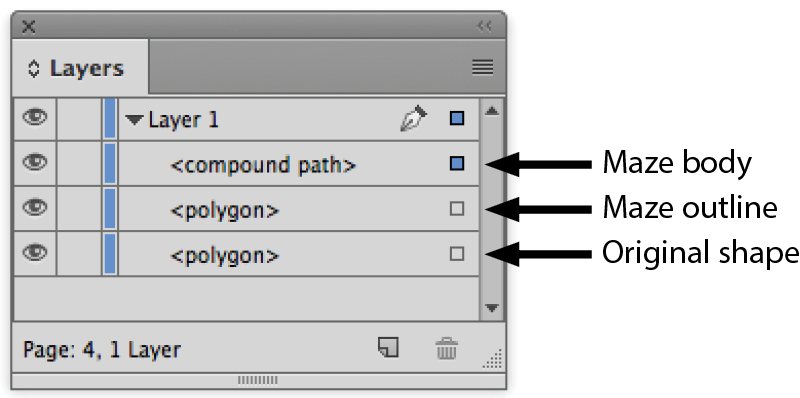
The maze lines will initially have a 1 pt white stroke. You can adjust the weight and color as desired. You can use the original shape to provide a background color or shade for the maze.
You can read a full description of the process by which the script was created on the Adobe Scripting Forum.

This article was last modified on September 12, 2022
This article was first published on September 5, 2016
Commenting is easier and faster when you're logged in!

Recommended for you

Show Document Font Data
From CC 2014, InDesign's 'Find Font' dialog no longer shows the type and status...
Paragraph Numbering Fix
Paragraph numbering works fine within stories, but across stories, numbering is...
Index: Number Style Overrides in Books
Number style overrides are ignored when an index is generated in a separate docu...