




If you need to build a contact sheet of images you have lots of options. You can create a very basic one easily with the Contact Sheet II feature built into Photoshop and Bridge. And there are plenty of methods and scripts for building contact sheets in InDesign, including clever ways to include any metadata via captions. There are also dedicated and relatively inexpensive apps out there to do the job. One such app for the Mac is DiapoSheet by Softobe.
With DiapoSheet you can simply drag and drop individual image files or a folder of them into the main window to create a contact sheet. From there, you can change layout, including the page size and orientation, rows and columns, gaps, margins, etc. You can add any text and images (like your logo and company description), plus watermarks. You can select and replace individual images. And you can display the metadata/exif info for each image.
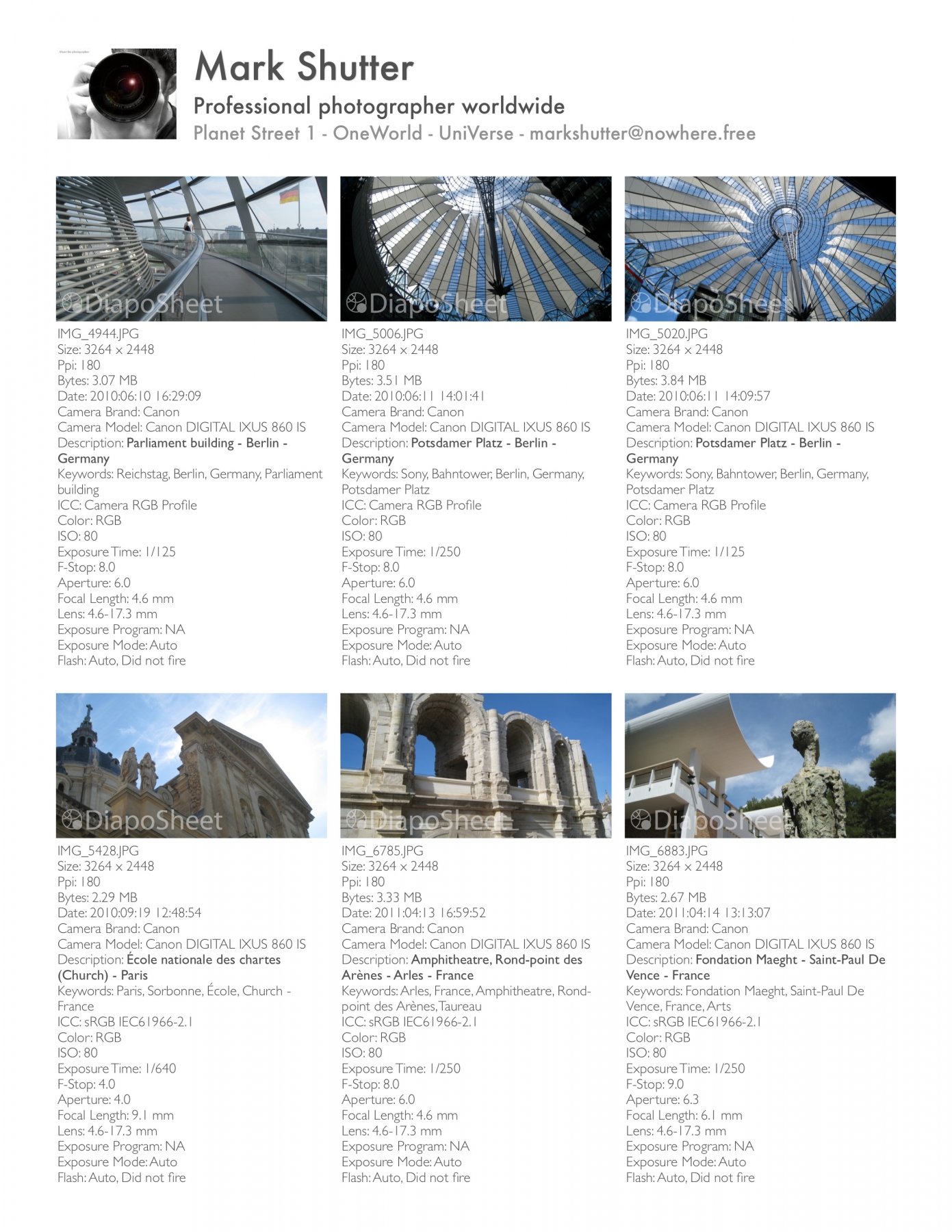
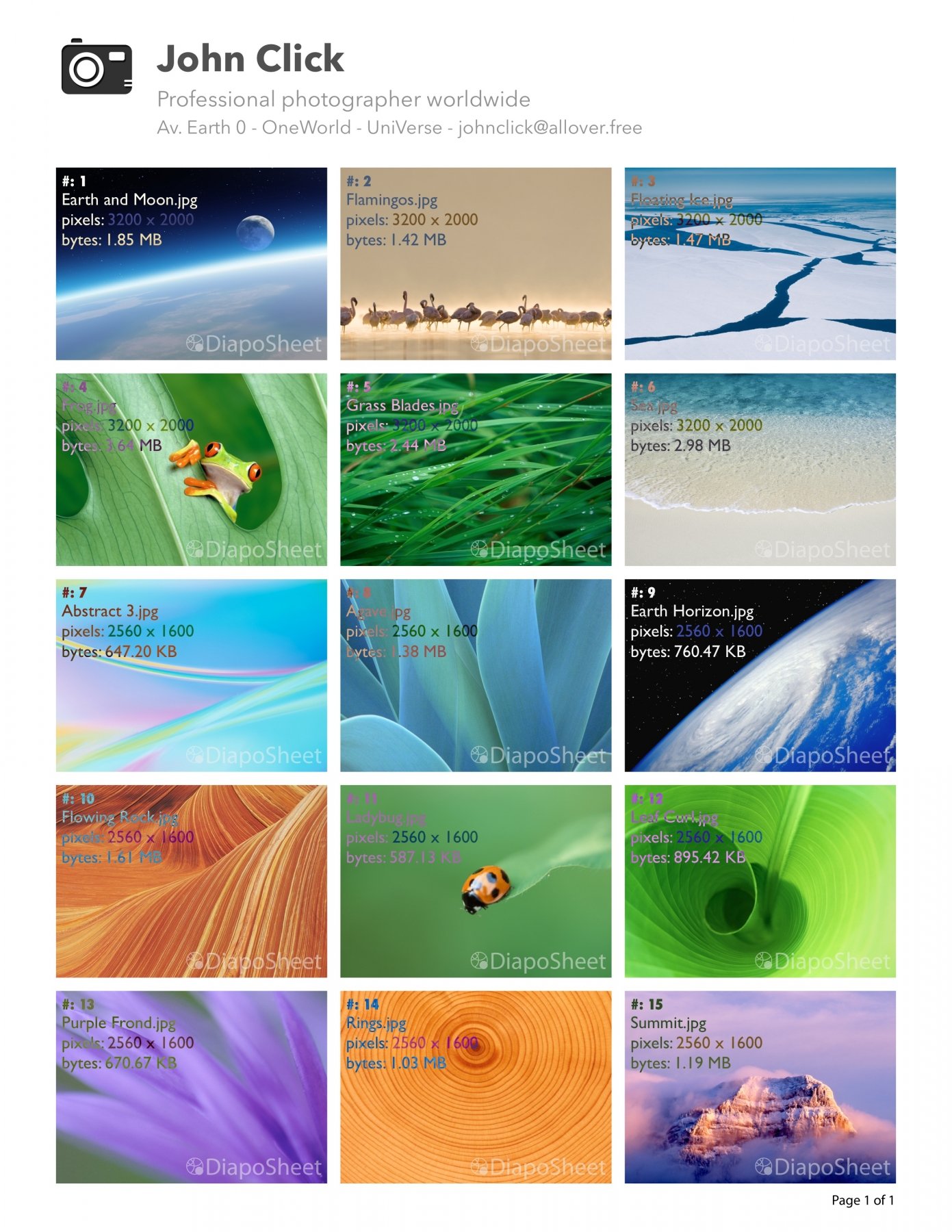

Contact sheets can be exported as PDF, TIFF, PNG, or JPG. And you can save your layout for reuse so you’re not reinventing the wheel each time out.
You can get DiapoSheet 1.2.1 for $24 exclusively on the softobe online store.
This article was last modified on September 16, 2013
This article was first published on September 16, 2013
Commenting is easier and faster when you're logged in!

Recommended for you
How to Adjust Colors Using Photoshop’s Contextual Task Bar
Learn how to use the Photoshop Adjust Colors feature to make quick, non-destruct...

Use Bridge to Find and View All Linked Assets in an InDesign File
Quickly find and collect every linked asset in your InDesign project using this...
How to Turn a Photo into Graffiti in Photoshop
Create a spray-painted masterpiece in Photoshop with Steve Caplin.