



Amberlight is an app for Windows and Mac from Escape Motions (makers of Flame Painter) that you can use to create stunning images by manipulating fields of digital particles.

You can use Amberlight to add special effects to photos, or create interesting background images for presentations, project covers, and more. Here’s a sampling of the kinds of images you can make with Amberlight.
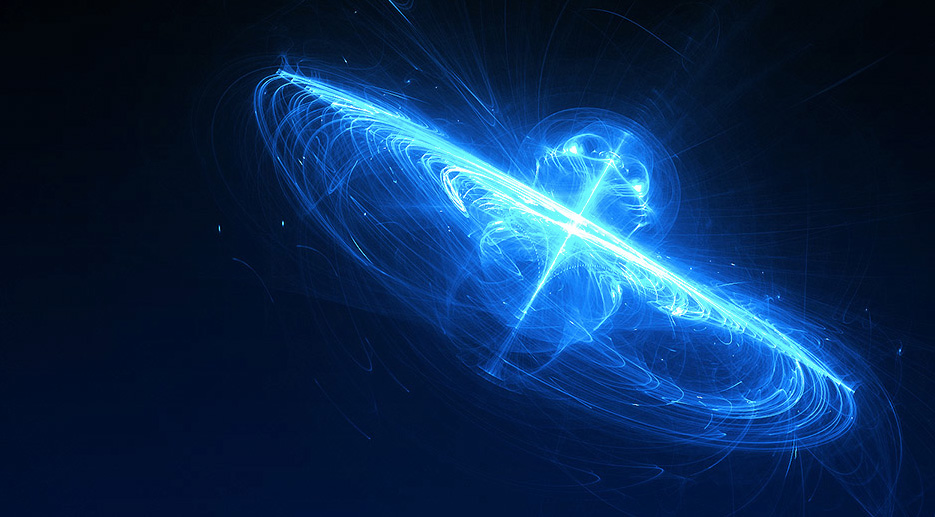

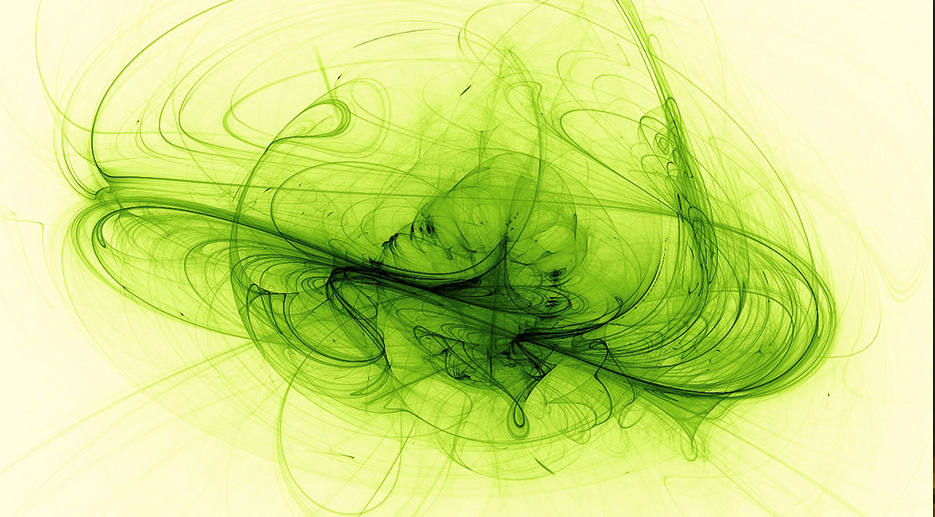
All images from Escapemotions.com
You can get Amberlight for an introductory price of $19.99 ($14.99 in the Mac App Store), and a free demo version is also available.
To see Amberlight in action, check out the demo video below.
This article was last modified on July 20, 2021
This article was first published on December 27, 2013
Commenting is easier and faster when you're logged in!

Recommended for you

Top New Features in Photoshop
A little over a week ago, Adobe rolled out updates for Photoshop, Muse, and the...
Knowing Your Camera: The First Step for Getting Better Results in Photoshop
Understanding the abilities of your camera and Photoshop can help you produce be...

Scanning Around With Gene: 108 Years of Dust
How an industry dies says a lot about how it lived. Some, like coal mining or st...