



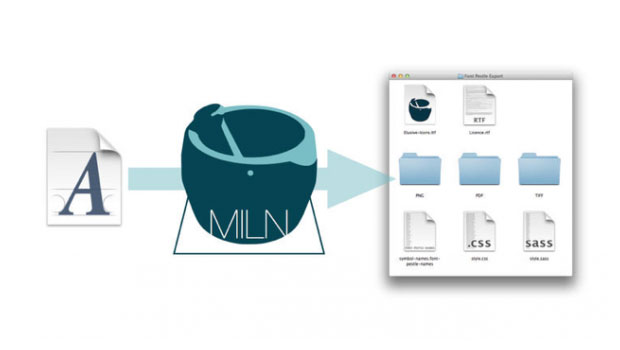
We’ve had stories about amazing scripts that can build custom fonts from a collection of separate vector objects. But what if you want to go in the opposite direction, and convert a symbol font into a folder of independent graphics? Yup, now you can do that too on Mac OS with the help of an app called Font Pestle.
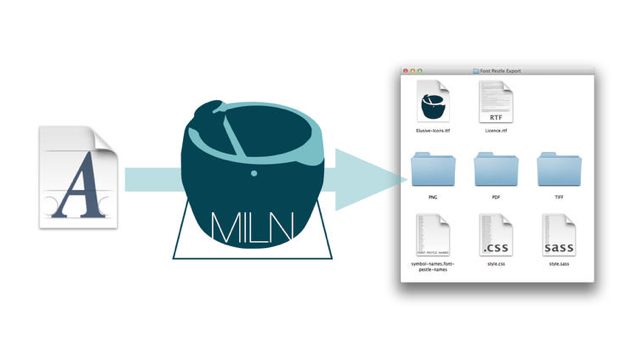
Simply put, Font Pestle can export all the glyphs from a TTF or OTF font as either vector (PDF) or bitmap (PNG, TIFF, or GIF) objects.

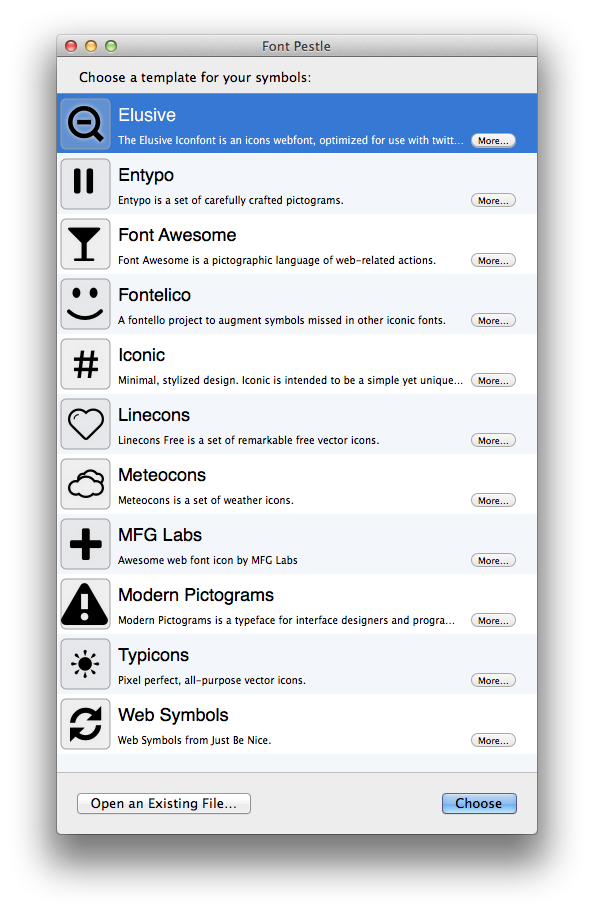
And to get you started, Font Pestle comes with 10 symbol fonts you can harvest from.
You can get Font Pestle for $5 in the Mac App Store.
This article was last modified on July 28, 2021
This article was first published on September 5, 2013
Commenting is easier and faster when you're logged in!

Recommended for you

CreativePro Video: Batch Rename Files in Adobe Bridge
In this week’s CreativePro video, Andrea Swingley shows how easy it is to rename...

10 Essential Tips for Adobe Camera Raw
Adobe Camera Raw is an incredibly powerful and flexible tool for applying adjust...

Building an Underwater Scene in Photoshop, Part 2
In the previous tutorial, we saw how to assemble all the elements of our underwa...