



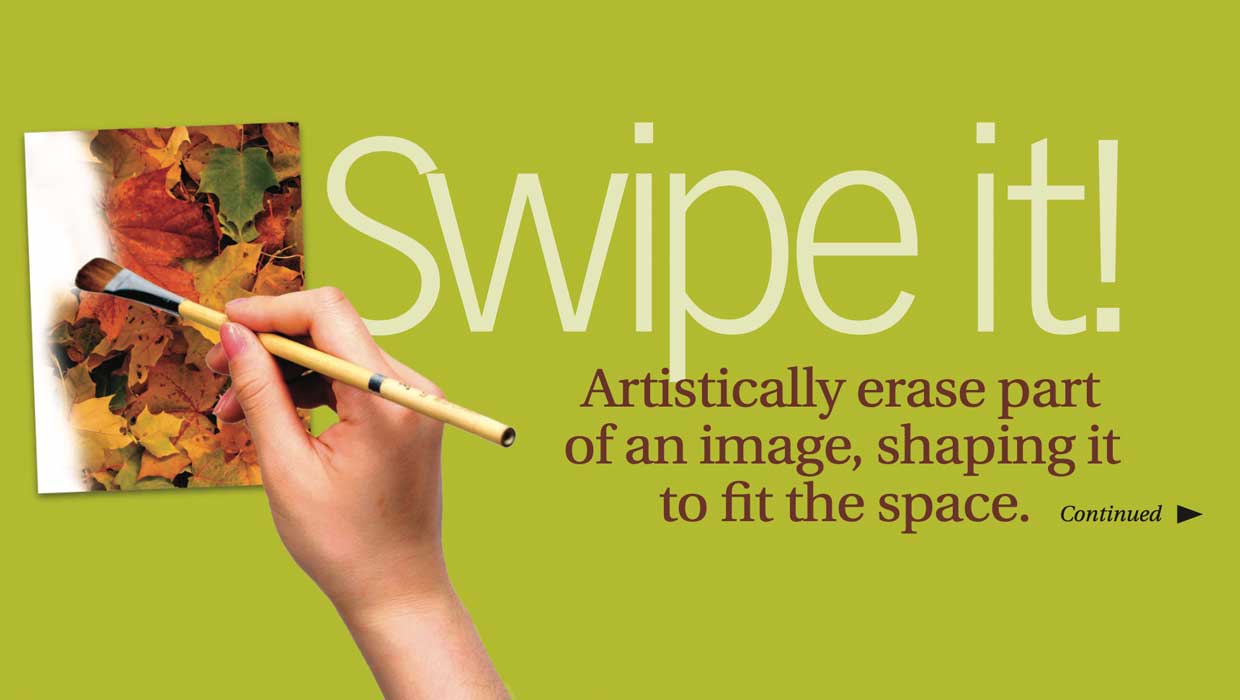
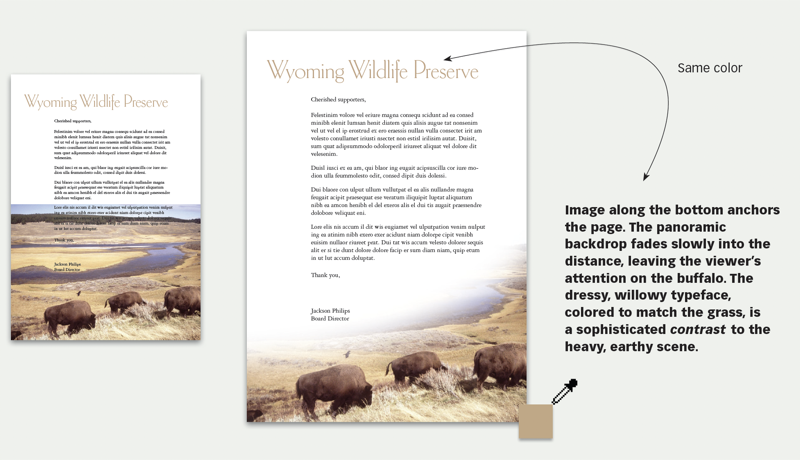
Here’s your problem: You have photo and type competing for the same space, and something has to give. One alternative: erase some of the photo, and turn it into a design element. A feathered edge will soften its transition to the page. This 15-page article from issue 39 of Before&After Magazine shows you how to feather a photo creatively to maintain its vibrance.
Keep in mind that you want type and image to work together, so what you’re looking for is how they interact.
© John McWade/Before&After Magazine, courtesy of Gaye Anne McWade.
Commenting is easier and faster when you're logged in!

Recommended for you
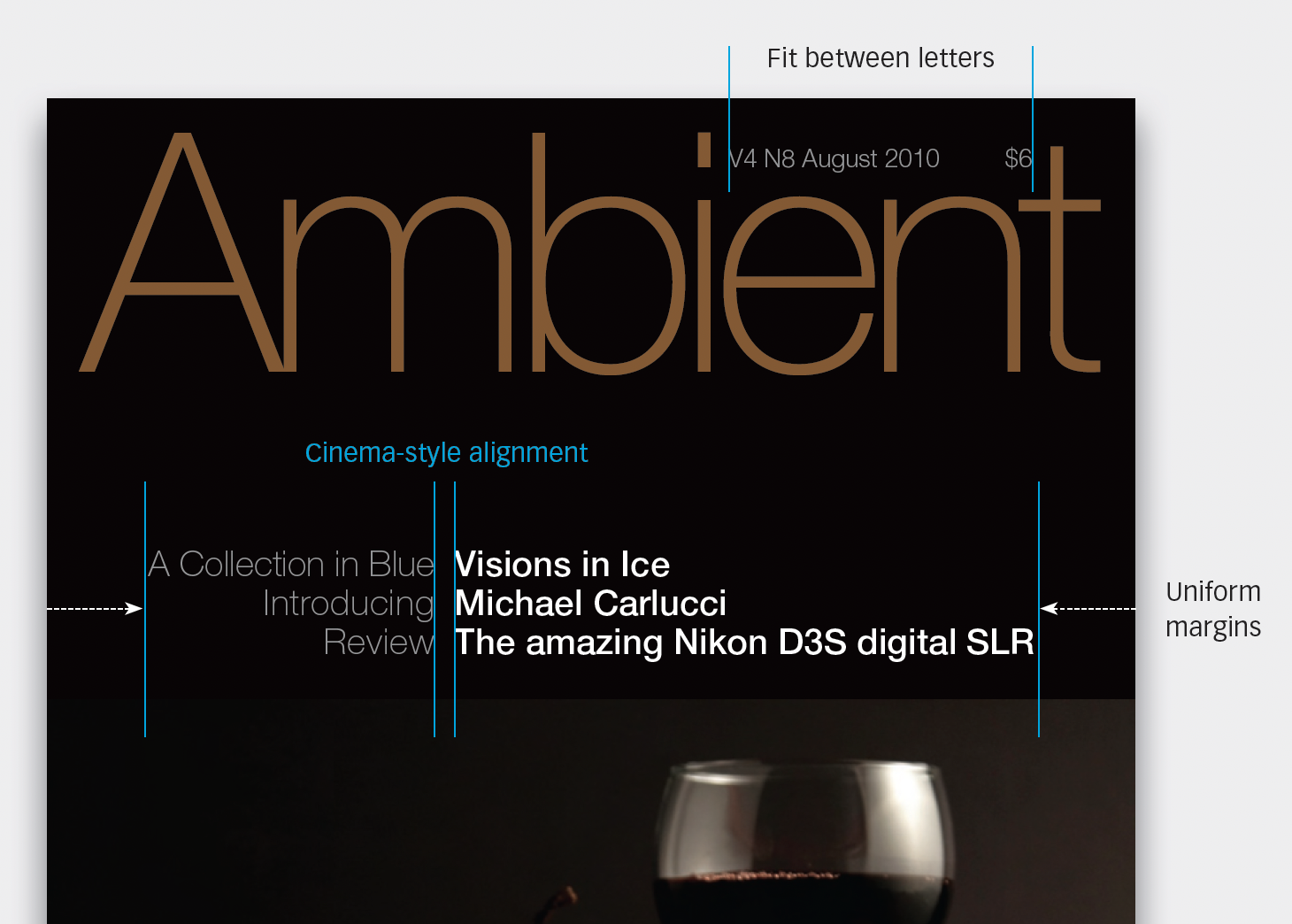
Before&After: Design a Photo Magazine Cover
So how do you show off great images in a photography magazine?
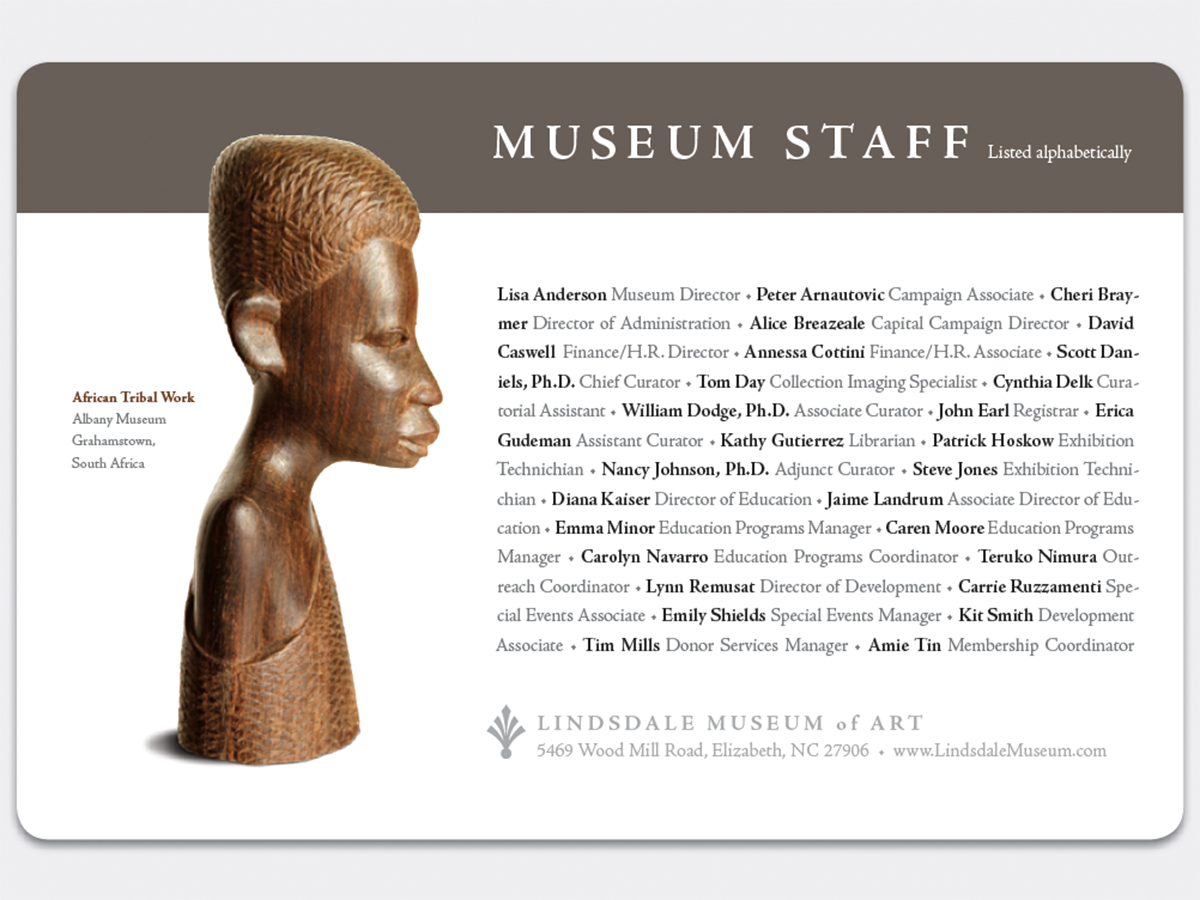
Before&After Design Tip: Two Ways to Typeset a List
Design a list that bestows visible stature to the names on it

Before&After: Design … a Clock? Yes, a Clock!
Take a clock, pop off the hands, pop in your design, and snap it back together.